

Most SOPs fail because they’re hard to read. Walls of text, messy screenshots, and long documents make people tune out instead of follow through. Instead of helping teams move faster, documentation slows everything down.
Illustrated SOPs fix that. They mix screenshots, captions, and short notes so people see what to do, not just read about it. Visual guides help new hires learn faster and keep teams on the same page.
That’s where Waybook Shots comes in. It turns your real workflows into illustrated SOPs automatically, so you can share clear, visual guides without spending hours formatting.
Ready to simplify documentation? Download the free Waybook Shots Chrome Extension →
What Are Illustrated SOPs (And Why Do They Work Better)?
An illustrated SOP is a step-by-step guide built with screenshots. It shows every action visually, making complex tasks easy to follow. People remember visuals better than text, which makes illustrated SOPs faster to read and easier to repeat.
They’re ideal for onboarding, QA, training, and any process where accuracy matters. Instead of long paragraphs, you get quick, scannable steps that anyone can follow.
Illustrated SOPs vs. The Old Way: Manual Documentation
Creating SOPs used to mean juggling screenshots, Google Docs, and screen recorders. You’d copy and paste images, draw boxes, add text, and try to make it all look neat.
By the time you were done, the process had already changed.
Illustrated SOPs simplify all of that. They build themselves as you work, so documentation happens in real time, not after the fact.
The Easy Way: Introducing Waybook Shots
Stop pausing your work to document it. With Waybook Shots, every click becomes a step-by-step guide automatically.
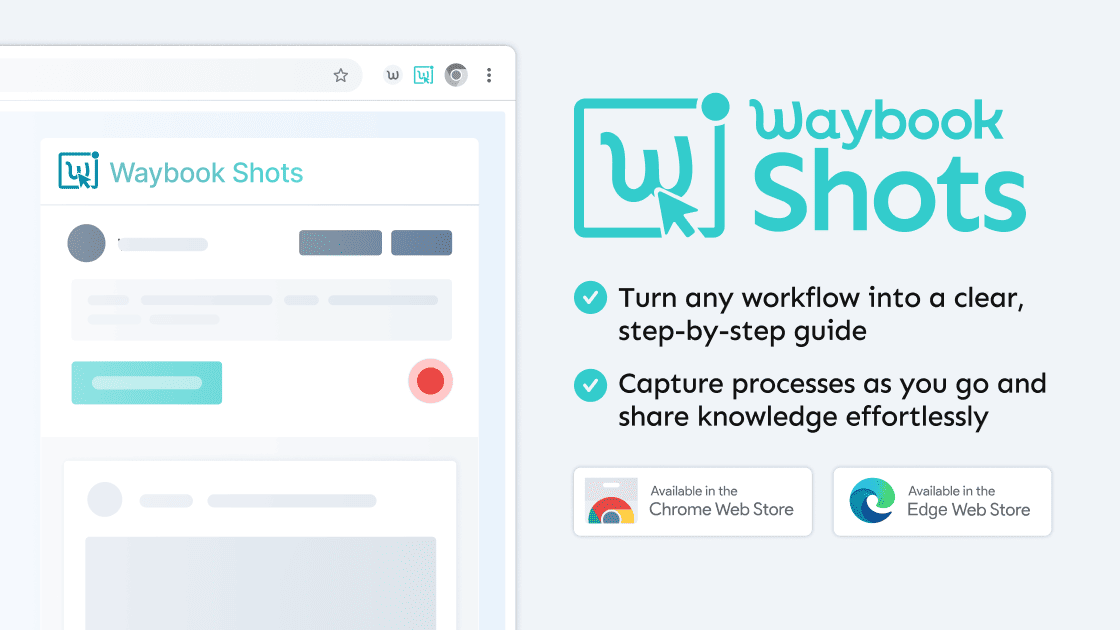
Waybook Shots is a free Chrome extension that turns your everyday workflows into clear, visual SOPs. Start recording and Shots instantly captures screenshots and captions so you can document processes effortlessly.
Instant Documentation: Capture Anything, Anywhere
Record across browser tabs or desktop apps. Shots automatically takes screenshots when your screen changes, so you never miss a step. Just click Record and focus on your work.
Simple Editing: Redact, Annotate, and Refine
Once your guide is captured, tidy it up in seconds. Edit text, reorder steps, and hide sensitive info right inside Shots. No design tools needed.
Flexible Sharing: Link, PDF, or Embed in Waybook
When your guide is ready, share it however you like. Send a link, download a PDF, or embed it directly in your team’s Waybook. Your content stays private until you share it.
How to Use Waybook Shots (The 3-Click Process)
Creating an illustrated SOP takes three steps: Add. Record. Share.
Step 1: Click Record
Install the Waybook Shots Chrome Extension, open any workflow, and hit Record. Each click you make is captured automatically.
Step 2: Auto-Snap & Edit
Shots auto-snaps every change on your screen. Once done, clean it up with quick edits or redactions.
Step 3: Share Instantly
Export your guide as a link, PDF, or embed. Your team can follow every step clearly, without long explanations.
Start Building Better SOPs Today
Turn your everyday work into illustrated SOPs your team will actually read.
Download the Free Waybook Shots Chrome Extension and start documenting smarter today.
FAQs
What’s the difference between an illustrated SOP and a standard SOP?
Standard SOPs are text-heavy. Illustrated SOPs use visuals so they’re faster to follow and easier to remember.
What’s the best way to digitize paper SOPs?
Use Waybook Shots to record the workflow. It automatically builds a clean, digital version you can edit and share.
Is Waybook Shots free?
Yes. You can record, edit, and share your SOPs at no cost, and your guides stay private until you decide to share them.
For any questions or assistance, our friendly support team is ready to help you every step of the way. Also, you can start with Waybook today, for free.