

.png)

Create, manage, and enforce SOPs that your team will actually follow, with built-in tracking and AI assistance.
Turn scattered knowledge into clear, repeatable SOPs everyone follows. Ensure tasks are done the same way every time across roles, locations, and teams without relying on tribal knowledge.
or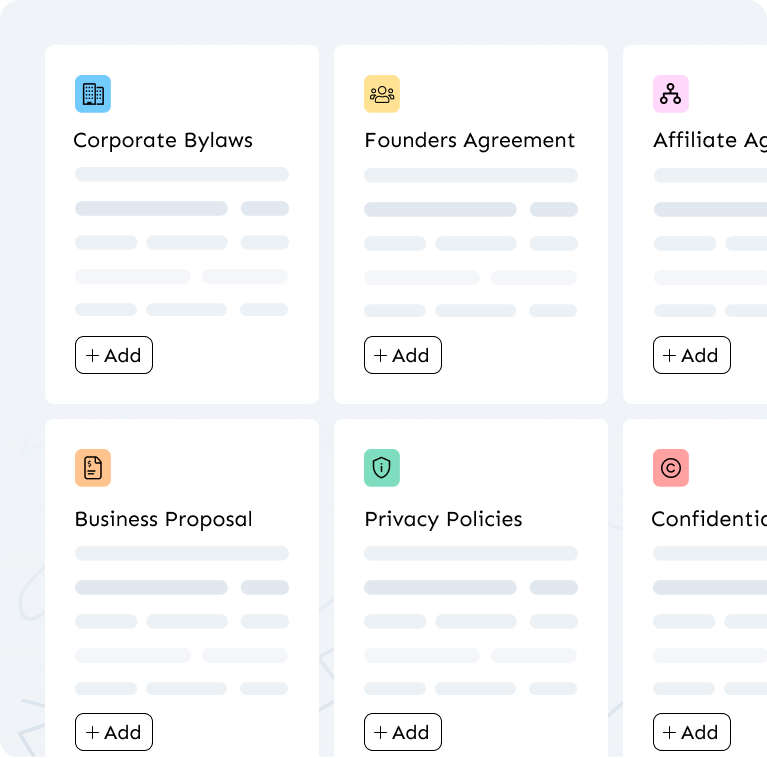
.png)
 (1).png)

Waybook AI can assist in drafting, editing, and refining content, saving your team valuable time and effort.
Learn more →
Effortlessly standardize and streamline your processes with Waybook's internal templates, saving time and ensuring consistency across your team
Learn more →
Optimize team development with Waybook’s progress tracking reporting tools, providing a comprehensive view of learning progress and ensuring alignment with organizational goals and timelines.
Learn more →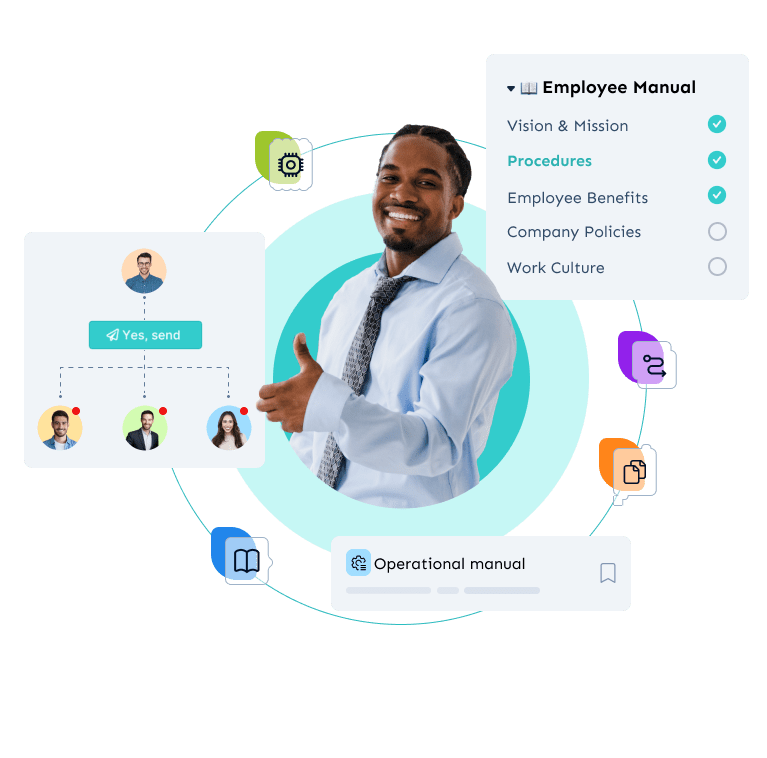
Waybook's Revision History feature ensures that every change made to your documents is tracked and recorded. This provides transparency, allowing you to see who made changes, what was altered, and when updates occurred.
Learn more → (1).png)
Waybook gives teams one place to manage SOPs and shared knowledge. Processes are easy to find, simple to follow, and stay consistent as teams grow. Updates are visible, progress is tracked, and everyone stays aligned on how work is done. See the best SOP software compared.
.png)
| Tool | Best for | All-in-one platform | Pricing | Best suited for |
|---|---|---|---|---|
| Waybook | SOP creation, team training, and knowledge base in one place |  | From $99/mo, billed annually | Any ops team at 20 to 200 that needs SOPs people actually follow, not just stored |
| Trainual | Structured training curricula |  | $249/mo, captured in-app (not published) | Teams building formal training paths willing to pay 2.5x more for a narrower feature set |
| Scribe | Auto-capturing software processes | | Free / from $13/seat | Individuals capturing click-by-click guides, not a full SOP management system |
| Notion | Flexible documentation | | Free / from $10/seat, billed annually | Small teams who want lightweight docs without accountability or training verification |
| Google Docs | Basic document sharing | | Free | Bootstrapped teams under 10, works until the team reaches 15 people |
A standard operating procedure is a documented, step-by-step guide that explains how a recurring task or process should be completed consistently, every time, by anyone on the team. See our free SOP templates to get started.
SOP software is a dedicated platform for creating, organizing, updating, and tracking standard operating procedures. Unlike static documents, it ensures processes are followed, not just stored. See the best SOP software compared.
Google Docs and Notion are document storage tools. SOP software is built for process adoption: it tracks who has read and followed procedures, supports training flows, and keeps documentation current as your business evolves. See how Waybook compares to Notion.
Operations managers, founders, HR leads, and practice managers at growing and scaling businesses: anyone responsible for making sure work gets done the same way across roles, locations, and team members.
Yes. SOPs give new hires a clear, self-serve path through their first weeks, reducing ramp time, eliminating repeated questions, and ensuring nothing gets missed. Read our complete employee onboarding process guide.
Waybook combines SOP creation, team training, AI-assisted writing, and progress tracking in one platform. It's built for teams that want SOPs people actually follow, not just a document library no one opens. See how Waybook compares to Trainual.
Use the seven days on three real processes. Day one: capture one on-screen process with Waybook Shots and draft one from notes with the AI SOP generator. Day two: assign both to five people and turn on read confirmation. Days three to seven: watch who reads them, who asks a question through Ask, and whether the process is followed. If it is, you have your answer. Core is $99 a month billed annually for 20 members, $5 each beyond; Pro at $198 a month adds Waybook MCP. Start the 7-day free trial and run exactly that.
It starts paying for itself at about 10 to 15 people, or at the second location, whichever comes first. Below that a shared folder usually holds. Above it, the cost of one process done the wrong way is more than the software. Waybook Core is $99 a month billed annually for 20 members, which is why most teams at that size start here. To compare tools side by side, see the best SOP software comparison.
SOP management software is the same category as SOP software, with the emphasis on what happens after the document exists: ownership, review dates, version history, assignment by role and read confirmation. A tool that only helps you write SOPs is a document generator. SOP management software keeps them current and proves they are followed. Waybook does both: the AI SOP generator and templates for the writing, and revision history, progress tracking and read receipts for the management.
Capture the process while someone does it, instead of writing it from memory afterwards. The fastest route is a browser extension such as Waybook Shots: run the task as normal and it takes the screenshots and writes a caption for each step, so a 20-step procedure exists by the time the task is finished and needs only a trim and a redaction pass. For processes that do not live on a screen, describe them in a few sentences to the AI SOP generator and edit the draft, or start from an SOP template for policies and recurring admin. The slow part is never the writing; it is the review and the owner. Give each SOP one owner, publish it where the team already looks, and confirm who has read it, or the fastest-built SOP is the first one to go stale.
Paste a process or attach the file and Waybook's AI Assistant turns it into a structured document; nothing is rebuilt from scratch. Teams switching from another tool get the Waybook team to map and import their content, usually in about a week. Start the trial with the three processes that cause the most questions and move the rest once those are live.
In Waybook the first SOPs exist the same day: Waybook Shots captures an on-screen process while you do it, and the AI SOP generator drafts one from a few sentences. A 20-person team is typically assigned and read-confirmed inside a week. Larger teams and migrations take longer and get help from the Waybook team. The slow part is never the tool; it is deciding who owns each process.
Yes, and it matters more there. In Waybook every SOP is read-confirmed from a browser or the mobile app, Slack and Microsoft Teams notifications reach people where they work, and Waybook Ask answers questions from your own processes across time zones. Multi-location businesses run one library with permissions by role, so one update reaches every site.
.webp)





.png)
.png)



 (1).png)
