

.png)

Organize your team's collective knowledge in one searchable hub so everyone finds answers without asking twice.
Knowledge base software works by storing all your business documentation, SOPs, and policies in one centralized, searchable location, so teams stop wasting time hunting through Drive folders and asking the same questions over and over. Pair your knowledge base with SOP software to keep procedures actionable and up to date.
Like an internal wiki, but one that writes itself and answers back: the AI Assistant drafts the documents and Waybook Ask answers questions from them.
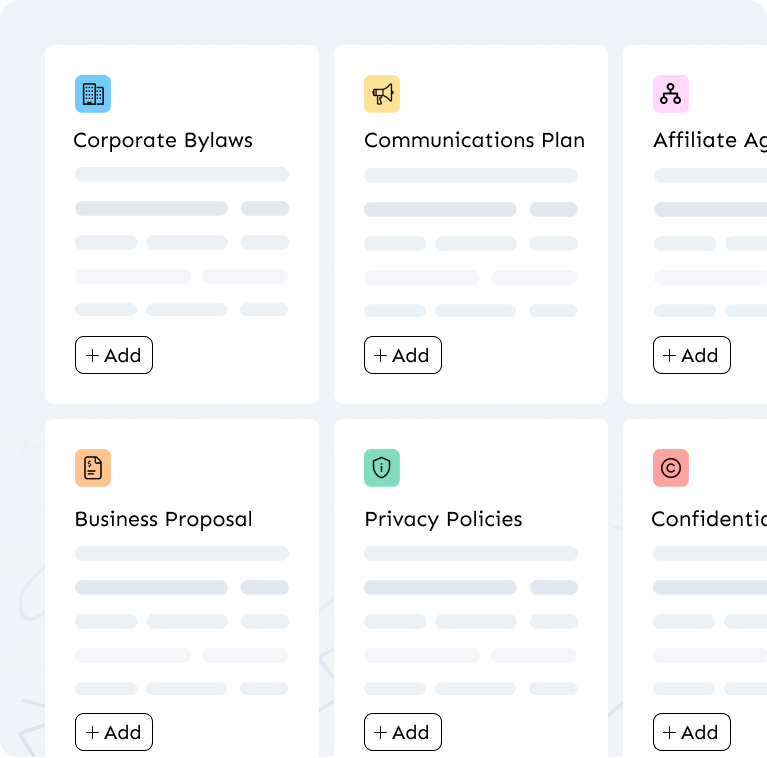
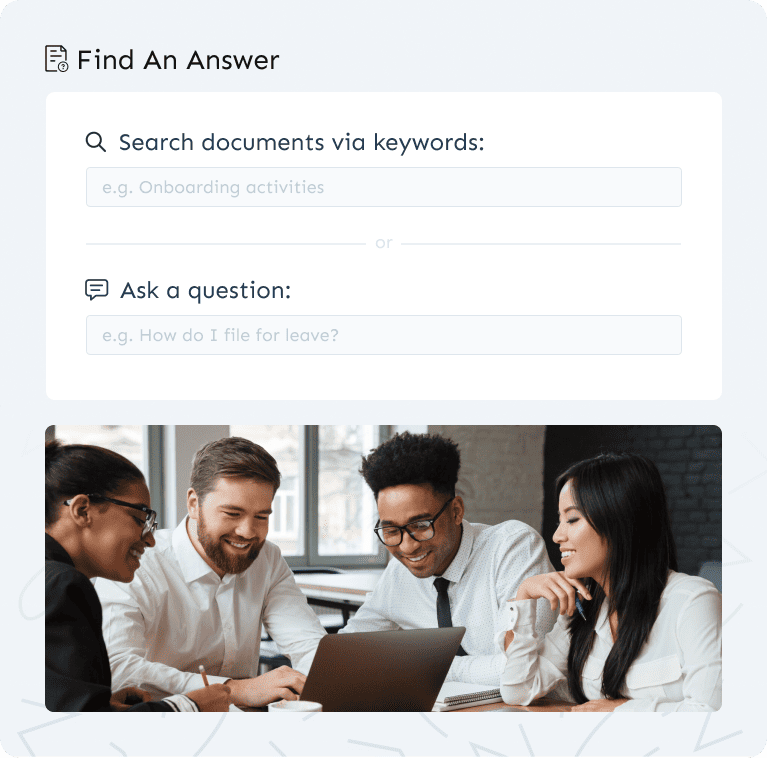
The best knowledge base software gives your team access to the right information anytime, anywhere: on mobile or desktop, without needing to ask a manager or dig through email threads.
Unlike static documents, knowledge base software keeps your content current with version control, update notifications, and review deadlines so your team always follows the latest process, not a six-month-old PDF.
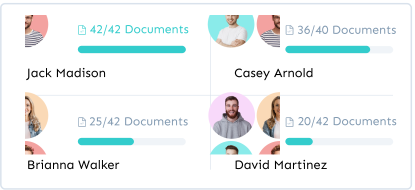
Optimize team development with Waybook’s progress tracking reporting tools, providing a comprehensive view of learning progress and ensuring alignment with organizational goals and timelines.
Learn more →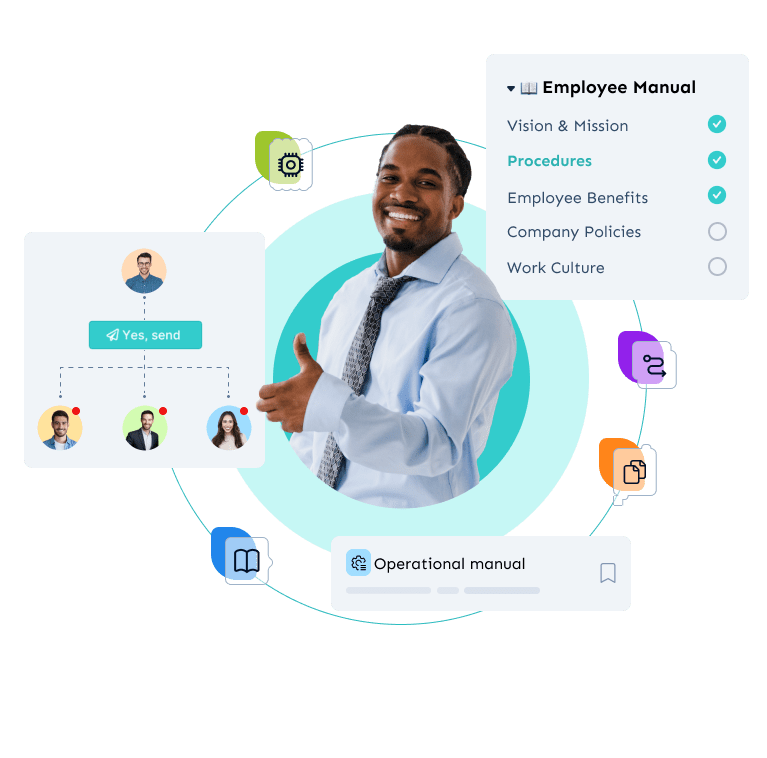
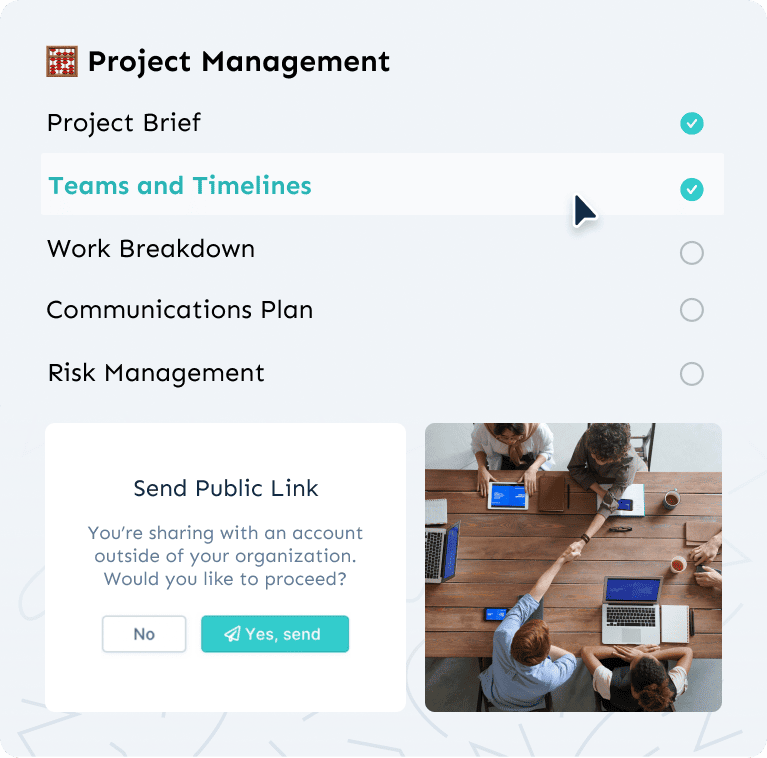
Facilitate efficient collaboration while maintaining precise control over who can view, edit, and manage specific Documents and Subjects within your Waybook.
Learn more →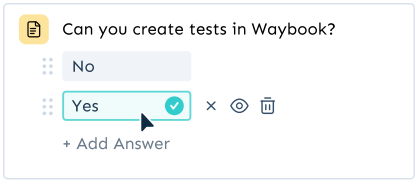
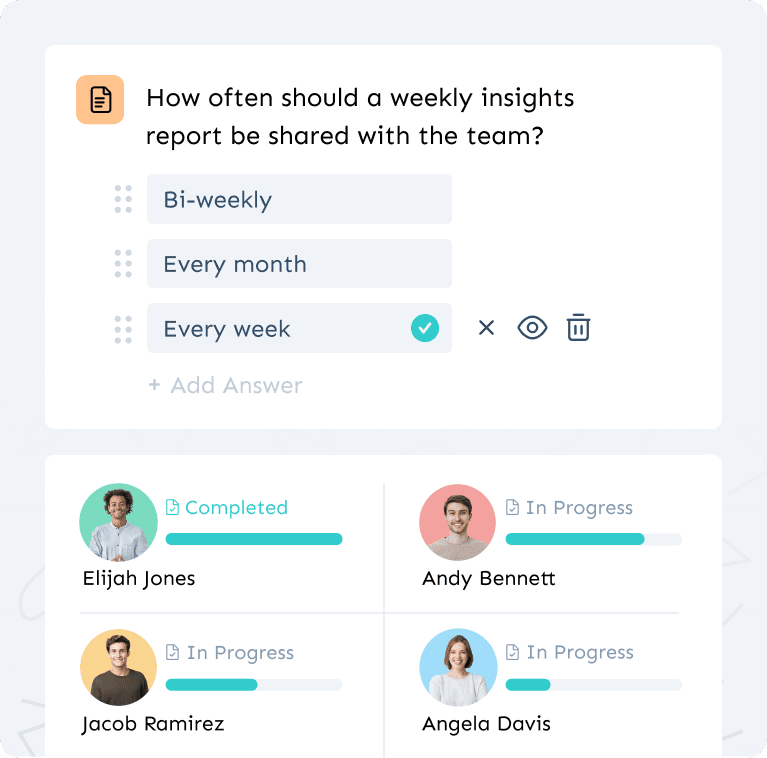
Waybook's Tests feature enables you to verify that team members understand and retain critical information. By integrating quizzes and assessments into your documentation, you can ensure competency, reinforce learning, and maintain high standards of quality and compliance.
Learn more →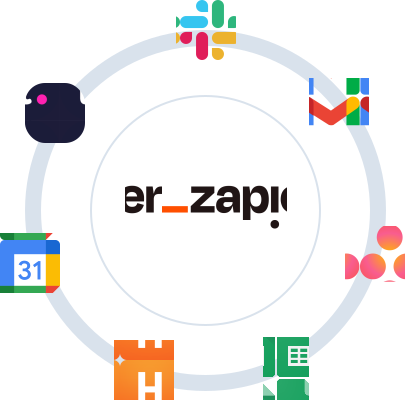
Connect with your favorite tools and platforms, streamlining workflows and enhancing productivity.
Learn more →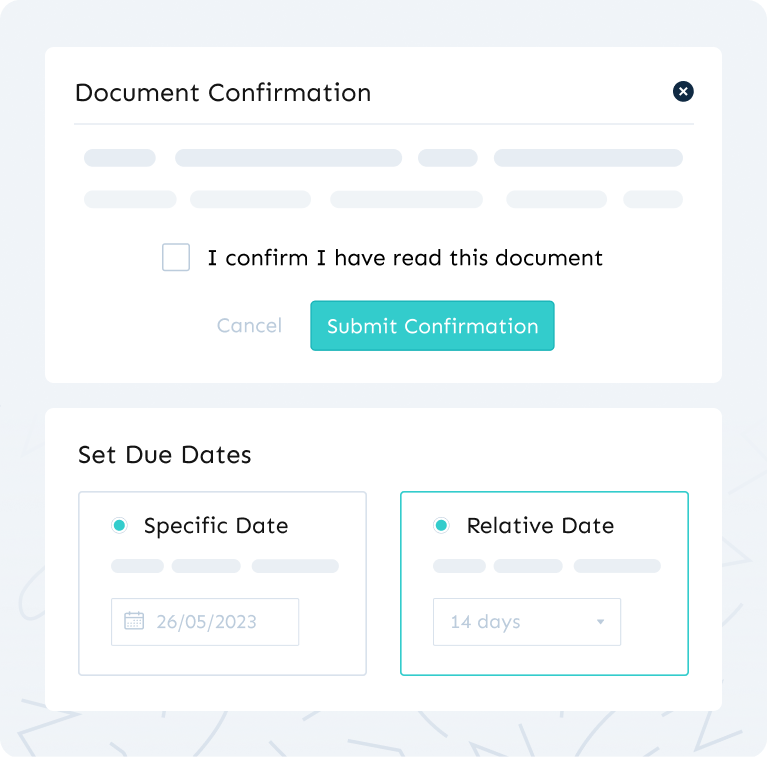
Keep your knowledge base current with easy updates, document verifiers and review deadlines.
Create tests and quizzes to ensure your team understands and retains the shared knowledge.
| Tool | Best for | Knowledge + adoption | Pricing | Best suited for |
|---|---|---|---|---|
| Waybook | Knowledge base with SOP management and training verification in one place |  | From $99/mo | Growing teams at 20 to 200 that need knowledge people actually use, not just store |
| Trainual | Structured training curricula |  | From $249/mo | Teams focused on formal training programmes, not a searchable company knowledge base |
| Scribe | Auto-capturing software processes | | Free / $23/seat | Individuals capturing click-by-click guides, not a full knowledge management system |
| Notion | Flexible documentation | | Free / $8/seat | Small teams who want lightweight docs without read tracking or process enforcement |
| Google Docs | Basic document sharing | | Free | Bootstrapped teams under 10, works until the team reaches 15 people |
Knowledge base software is a platform that centralizes your company's internal documentation, SOPs, policies, and training materials in one searchable location. It replaces scattered Google Drive folders and tribal knowledge with a structured single source of truth your whole team can access. See how Waybook compares to other knowledge base tools.
It works like one, and does three things a wiki cannot. The AI Assistant writes and updates the documentation for you, and Waybook Ask answers your team's questions from it instead of leaving people to search. Read confirmation and tests prove the team has learned it, not just opened it. Every document has an owner and a review date, so it stays current. Accounting firms, consultancies, franchises, retail stores, restaurants and real estate teams use it where an internal wiki would otherwise sit.
Waybook is purpose-built for growing and scaling businesses, combining internal documentation, SOP management, and employee training in one platform. Unlike enterprise tools like Confluence or Guru, it is designed to be adopted without dedicated IT resources. See how Waybook compares to Confluence.
Google Drive and Notion store documents. Knowledge base software is built for adoption, with structured navigation, smart search, version control, and read tracking so teams actually find and follow what they need instead of just storing it. See how Waybook compares to Notion.
Operations managers, HR leads, founders, and practice managers at growing businesses across field services, healthcare, professional services, and real estate. Any team that needs consistent processes across multiple people or locations. See how Waybook handles process documentation.
Yes. A structured knowledge base gives new hires a self-serve resource from day one, reducing ramp time and eliminating repeated questions to managers. Read our complete employee onboarding guide.
Waybook combines a team knowledge base with SOP creation, onboarding flows, AI-assisted writing, and training verification in one platform. Most tools focus on storage. Waybook is built for adoption.
Look for structured navigation so content is easy to find, smart search so teams get answers fast, version control so documentation stays current, and read tracking so you know who has seen what. AI-assisted creation is a bonus that cuts the time it takes to document processes in the first place.
No. Knowledge base software is most valuable for growing and scaling businesses that have outgrown informal knowledge sharing but do not yet have the resources of a large enterprise. Teams of 20 to 200 people typically see the biggest gains in onboarding speed and operational consistency.
With Waybook, most teams have their first documents published within a day. The AI writing assistant helps draft content fast, and pre-built templates mean you are not starting from scratch. A full company knowledge base typically takes two to four weeks to build out depending on team size and content volume.
Yes. Waybook offers a 7-day free trial to get started.
.webp)










.png)

.png)