Documentation people actually read. Build every step from video, images, checklists, tables, callouts, collapsible boxes, code snippets, maps, PDFs and live embeds, all added in seconds with a slash command.

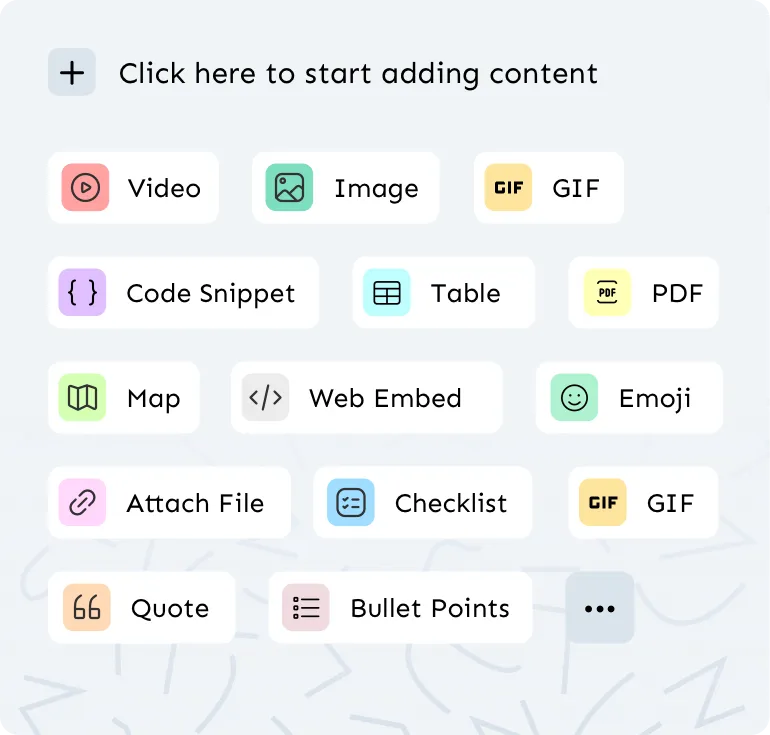
A process is easier to follow when you can see it. Waybook's step editor gives you a full toolkit of dynamic content blocks, so each step can combine written instructions with the video, screenshot, table or checklist that makes them obvious. Type / anywhere in a step and choose what to insert - there's no separate media manager to learn.
Bring in video from YouTube, Loom, Wistia or Vimeo, embed live Google Docs, Sheets and Slides, attach PDFs and files, drop in a map for a site address, or paste a web embed for anything else your team uses. Checklists turn a step into something people tick off, tables organize reference data, code snippets keep technical instructions exact, and callouts flag the rules that can't be missed. Collapsible boxes tuck troubleshooting detail and background reading out of the way until someone needs it, and column layouts let you show up to five things side by side.
We recommend at least two visual elements in every step. It keeps steps short and scannable, which is exactly what makes the difference between documentation that gets read and documentation that gets ignored. Capture a process on screen with Waybook Shots and the screenshots and captions land in your steps automatically.






.png)