

An SOP, or standard operating procedure, is a written set of steps that lets anyone on the team do a task the same way every time. A good one has six parts: a title, an owner, the trigger that starts it, the steps in order, what "done" looks like, and a review date. Everything else is optional.
Here is how to write one, in seven steps:
Pick the process that causes the most questions.
Capture it while someone does it.
Write the steps in order, one action per line.
Test it on someone who has never done the task.
Give it an owner and a review date.
Publish it where the team already looks, and assign it.
Confirm it was read, then review it on the date.
The rest of this guide covers each step, what to document first for eight kinds of business, the fastest ways to build SOPs, and how to keep them from going stale. Last updated October 2026.
Start your 7-day free trial | SOP software | Free AI SOP generator
What is a standard operating procedure?
An SOP is the written answer to "how do we do this here?". It sits between a policy, which says what the rule is, and a checklist, which only lists the ticks. If you are unsure which of the four you need, read SOP vs policy vs procedure vs process.
Think of a cafe where three baristas make a latte three ways. One steams the milk too hot, one uses too much foam, one gets it right. The SOP is the version that gets it right, written down so the next hire starts there.
Why SOPs matter
Three reasons, in the order owners feel them. Consistency: the tenth hire does the task the way the first did. Delegation: the founder stops being the only person who knows. Speed: new hires ramp from a document, not from interrupting a colleague. The cost of not having them shows up as repeated questions, rework and the same mistake made twice.
The seven steps to write an SOP
Step 1: Pick the process that causes the most questions
Do not start with the org chart. Start with the three tasks people ask about most, or get wrong most. Customer refunds, new client setup, the end-of-day close. One of those is your first SOP.
Step 2: Capture it while someone does it
Writing a process from memory produces a tidy document that misses half the real steps. Watch the person who does it best, or have them record their screen. For on-screen work, Waybook Shots captures each click as a step with a screenshot while they work. For everything else, a phone video and a notepad are enough.
Step 3: Write the steps in order, one action per line
Each step starts with a verb and does one thing. "Open the client folder." "Check the invoice total against the quote." Add a screenshot or photo where a word would need a paragraph. State the trigger ("when a refund request arrives") and the finish ("the customer has the confirmation email"). If you have notes rather than a recording, paste them into the AI SOP generator and edit the draft; it is faster than a blank page.
Step 4: Test it on someone who has never done the task
Hand the draft to a person who has never done the job and watch. Every place they stop or ask is a missing step. Fix those before anyone else sees it.
Step 5: Give it an owner and a review date
The number one reason SOPs go stale is that nobody owns them. Name one person, and set a review date: quarterly for most processes, monthly for anything that touches money or customers.
Step 6: Publish it where the team already looks, and assign it
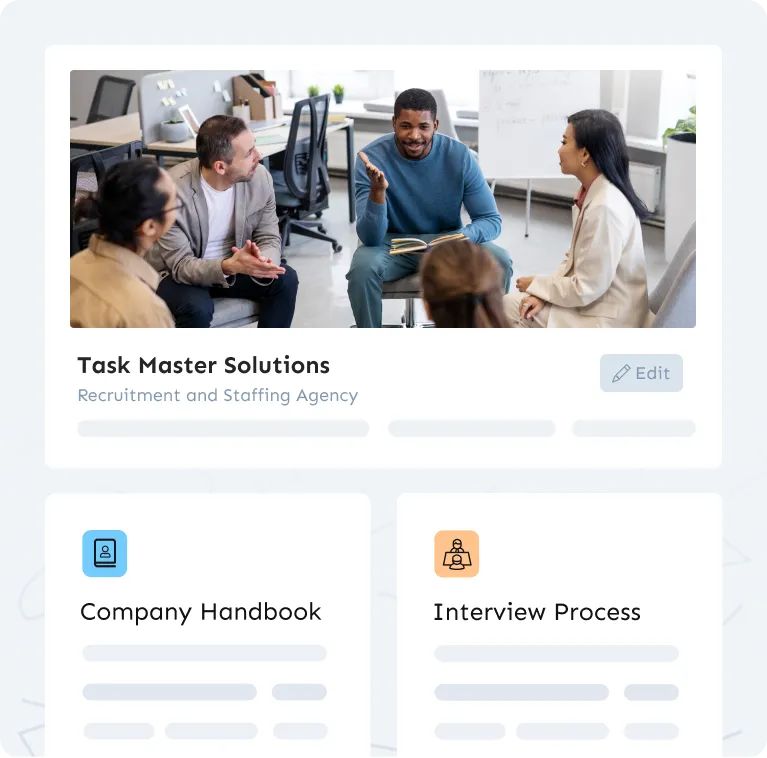
An SOP in a folder nobody opens does not exist. Put it in the one place the team goes for answers, organised by role, and assign it to the people who do the task. In Waybook that is one playbook, organised by team and role, with every SOP assigned to the people who need it.
Step 7: Confirm it was read, then review it on the date
Read confirmation tells you who has seen the current version. A short test tells you who understood it. On the review date, the owner checks it against how the work is actually done now, and updates it. That loop is the whole difference between SOPs that work and SOPs that gather dust.
What to document first, by type of business
The first three SOPs are the ones that save the most time. By business:
Digital or marketing agency. New client onboarding, the campaign or project kickoff, and monthly reporting. Client delivery is where inconsistency costs you the account.
Accounting firm. Client intake and engagement letters, the month-end close checklist, and document requests. Compliance work needs the same steps every time, by everyone.
Retail store. Opening and closing, returns and refunds, and cash handling. Write them for the newest hire on a Saturday, because that is who will use them.
Real estate team. Listing intake, showing and follow-up, and transaction coordination from offer to close. The handoffs between agent and admin are where things drop.
Consulting firm. Proposal and scoping, project kickoff, and deliverable review. Your SOPs are your IP; they are what makes the second consultant as good as the first.
Ecommerce business. Order fulfilment, returns, and customer service responses by scenario. Seasonal staff need to be productive in a day.
Restaurant. Opening, closing, and food safety and allergen handling. Put them on a phone; nobody reads a binder in a kitchen.
Small business, any sector. Whatever the owner is still doing personally that someone else could do. Write that one first; it is the one that buys back your time.
The fastest way to build SOPs
Three routes, fastest first.
Capture while doing. A browser extension such as Waybook Shots records an on-screen task as numbered steps with screenshots as you perform it. A 20-step procedure exists by the time the task is finished.
Draft from notes. Describe the process in a few sentences to the AI SOP generator and edit the result. Best for processes that do not live on a screen.
Start from a template. For policies and recurring admin, an SOP template gets you a first draft to fill in.
Whichever route, the slow part is never the writing. It is the review and the owner. Give each SOP one owner, publish it where the team looks, and confirm who has read it. That is what Waybook is for: the SOP, its owner, read confirmation and a test on it in one place, with published pricing, $139 a month for 10 members, and a 7-day free trial you start yourself.
How to keep SOPs up to date
Four habits keep them current: one named owner per SOP; a review date on every document; version history so you can see what changed and when; and read confirmation on every change, so an update is not just saved but seen. If your tool cannot do those four, the SOPs will drift within a quarter. Waybook does all four on every document, which is the reason it exists. The full method is in how to keep SOPs up to date.
How to get the team to follow them
People follow SOPs that are easy to find, short, and assigned to them, and ignore the rest. Keep each one to a single task, put it where the team already works, assign it, and confirm it was read. The common failures are in the five SOP mistakes to avoid. More in how to get your team to follow SOPs.
Frequently asked questions
How do I write an SOP step by step?
Pick the process that causes the most questions, capture it while someone does it, write one action per line, test it on a newcomer, give it an owner and a review date, publish and assign it, then confirm it was read. In Waybook steps two, six and seven are built in: Shots captures the process, assignment publishes it to the right people, and read confirmation closes the loop.
What should an SOP include?
A title, an owner, the trigger that starts the task, the steps in order with a screenshot where it helps, what finished looks like, and a review date. Waybook's document structure carries all six, so nothing is forgotten when the tenth person writes one.
How long should an SOP be?
As long as the task, no longer: one task, one page, usually 5 to 20 steps. If it runs past that, it is two SOPs. In Waybook each SOP is its own document inside a larger playbook, so short ones stay short and the structure holds them together.
How often should SOPs be reviewed?
Quarterly for most, monthly for anything touching money or customers, and immediately when the process changes. Waybook puts a review date and an owner on every document and shows who has read the current version, so reviews happen on a date instead of after a mistake.
What is the fastest way to create SOPs for a small business?
Capture the first three while someone does them, with a screen recorder for on-screen work and a phone for the rest, then draft from the notes with an AI generator and edit. A small business can have its first ten SOPs live in a week. Waybook gives you both halves, Shots for capture and the AI SOP generator for drafting, in one place with assignment and read confirmation on top. Start with the free AI SOP generator or the 7-day free trial.
Where do I even start writing SOPs?
With the process people ask you about most. Write that one first, test it on someone who has never done the task, and fix what they get stuck on. One good SOP that gets used teaches you more than a library nobody opens.
What should I document first?
The tasks the owner still does personally, the questions new hires ask in their first week, and anything where a mistake costs money or a compliance finding. The section above lists the first SOPs by type of business.
How do I get my team to actually follow our SOPs?
Assign each SOP to the people who do the work, ask them to confirm they read it, and add a short test to the ones that matter. Then answer questions with a link to the SOP. In Waybook read confirmation and tests sit on the SOP itself.
How do I keep SOPs up to date as things change?
Give each SOP one owner and a review date, keep version history, and ask for a fresh read confirmation when a procedure changes. If nobody owns it, it goes stale.
How do I measure whether our SOPs are working?
Track the share of assigned SOPs read and confirmed, the test pass rate on critical ones, and how often people still ask instead of checking. When the questions drop, the SOPs are working.
Can I generate SOPs from a plain description of a process?
Yes. Waybook's AI SOP creator turns a few sentences or rough notes into a structured SOP with steps, and Shots captures a process as someone does it. Either way, check the draft with the person who does the task before you publish it.
SOP software | best SOP software | Start your 7-day free trial