

SOP vs Policy vs Procedure vs Process: What is the Difference? (2026 Guide)
SOP (Standard Operating Procedure): Step-by-step instructions for completing a specific task the same way every time.
Policy: A high-level rule about what is and is not allowed in your business.
Procedure: The ordered sequence of steps that puts a policy into practice.
Process: A chain of linked procedures that spans an entire business function end to end.
Last updated: May 2026
These four terms get used interchangeably, even by people who have been writing business documentation for years. They are not the same, and using the wrong one creates real confusion when you are trying to build consistent operations. This guide explains each one clearly, shows how they relate to each other, and tells you which one to write first.
The quick comparison: all four at a glance
SOP | Policy | Procedure | Process | |
|---|---|---|---|---|
Purpose | How to do a specific task | What is and is not allowed | How to put a policy into action | How a whole function works end to end |
Scope | Narrow: one task | Broad: one rule area | Medium: one workflow | Wide: one business function |
Written by | Ops / team lead | Management / HR | Ops / HR | Senior ops / founder |
Read by | The person doing the task | Everyone | The team following the workflow | Ops team and management |
Example | How to onboard a new client | Remote work policy | New hire approval procedure | Full employee onboarding process |
When it changes | When the task changes | When the rule changes | When the policy changes | When the function evolves |
What is an SOP?
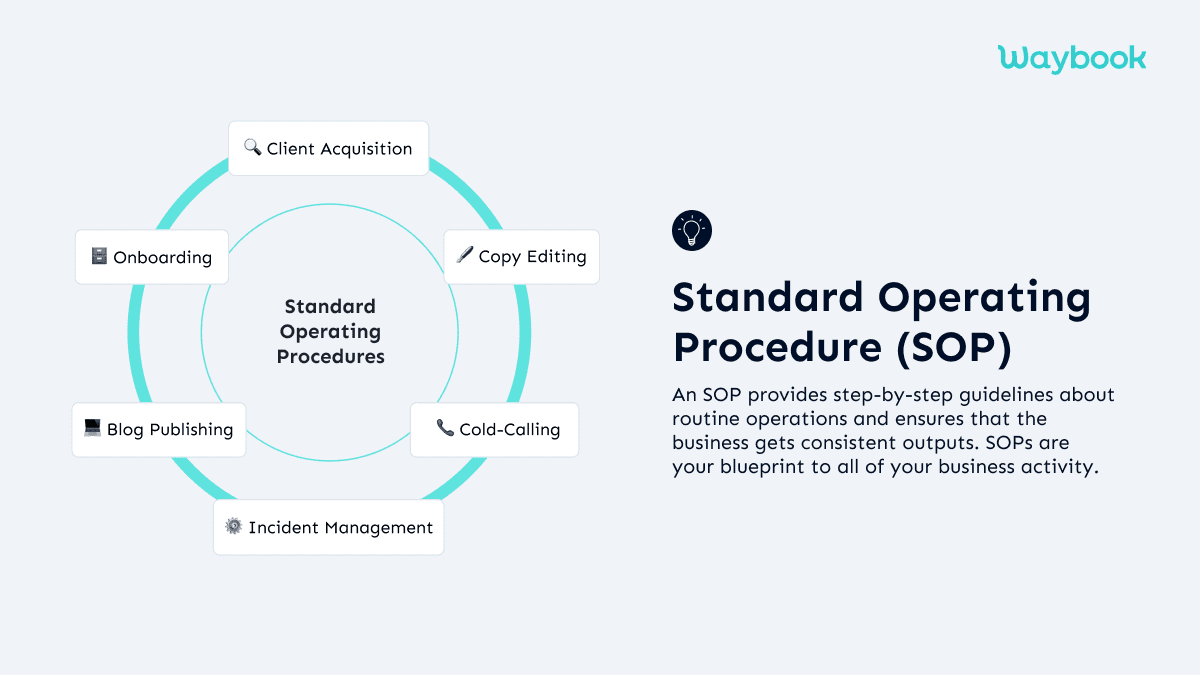
An SOP (Standard Operating Procedure) is a step-by-step instruction set for completing a specific task the same way every time. If a procedure is the outline, the SOP is the full script. It leaves no ambiguity: who does what, in what order, using what tools.
The purpose of an SOP is consistency. When your fifth hire onboards the same way as your first, and when every customer gets the same service regardless of which team member handles their account, you have working SOPs.
Examples of SOP
- How to process a customer refund (receive request, verify order, check policy, process in system, send confirmation email)
- How to onboard a new client (who sends the welcome email, what gets set up in what order, what the client receives on day one vs day seven)
- How to run an end-of-month financial close (every step in sequence, with named owners)
When to write an SOP: when a task is done repeatedly, needs to be done the same way every time, and where a mistake has a real cost. If you explain a process to a new hire and you catch yourself saying "just ask someone," that process needs an SOP.
SOP software for growing teams | how to write your first SOP
What is a Policy?
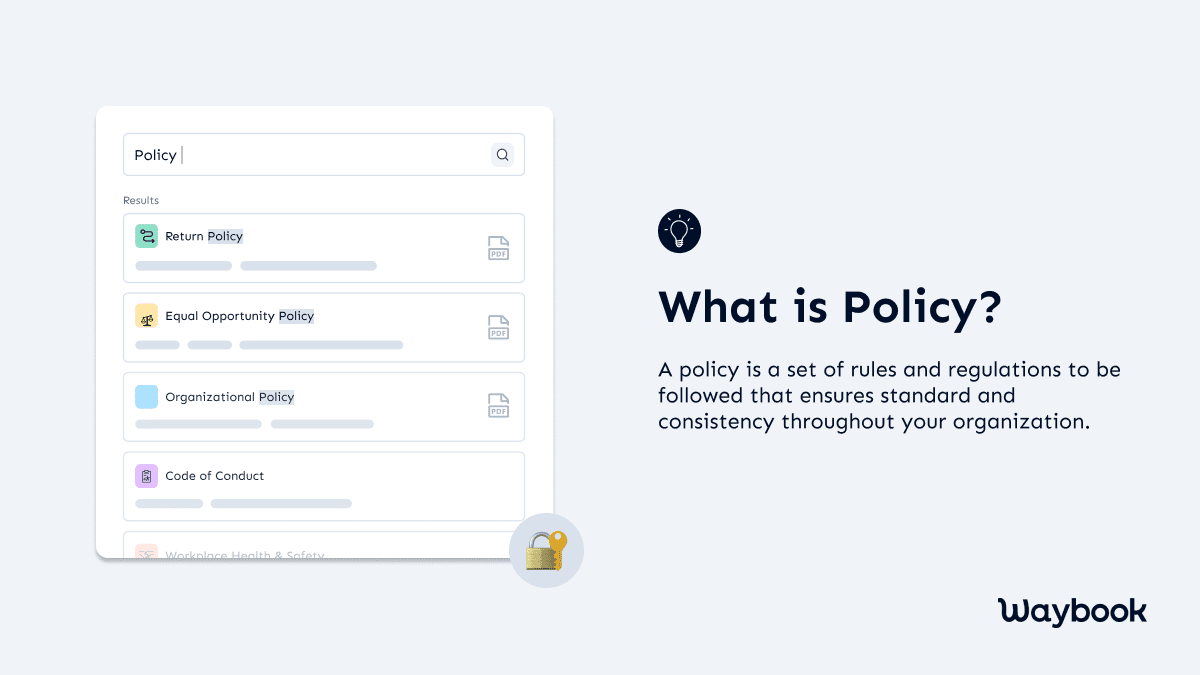
A policy is a rule. Specifically, it is a high-level statement of what your business will and will not do: a boundary or expectation that applies across the organisation. Policies answer the "what" and "why," not the "how."
Policies do not tell anyone how to do something. They tell everyone what is expected, what is permitted, and what is not. A policy does not change every time a workflow changes. It changes when the underlying rule or standard changes.
Examples of a Policy
- Remote work policy: "Employees may work remotely up to three days per week with manager approval"
- Refund policy: "We offer full refunds within 30 days of purchase, no questions asked"
- Data handling policy: "All customer data must be stored in approved systems and may not be shared with third parties"
- Expense policy: "Expenses over $100 require prior manager approval"
The key distinction: a policy says "we refund customers within 30 days." An SOP says here are the exact steps your CS rep follows to process that refund. Both are needed. The policy sets the rule. The SOP makes sure it gets followed consistently.
What is a Procedure?
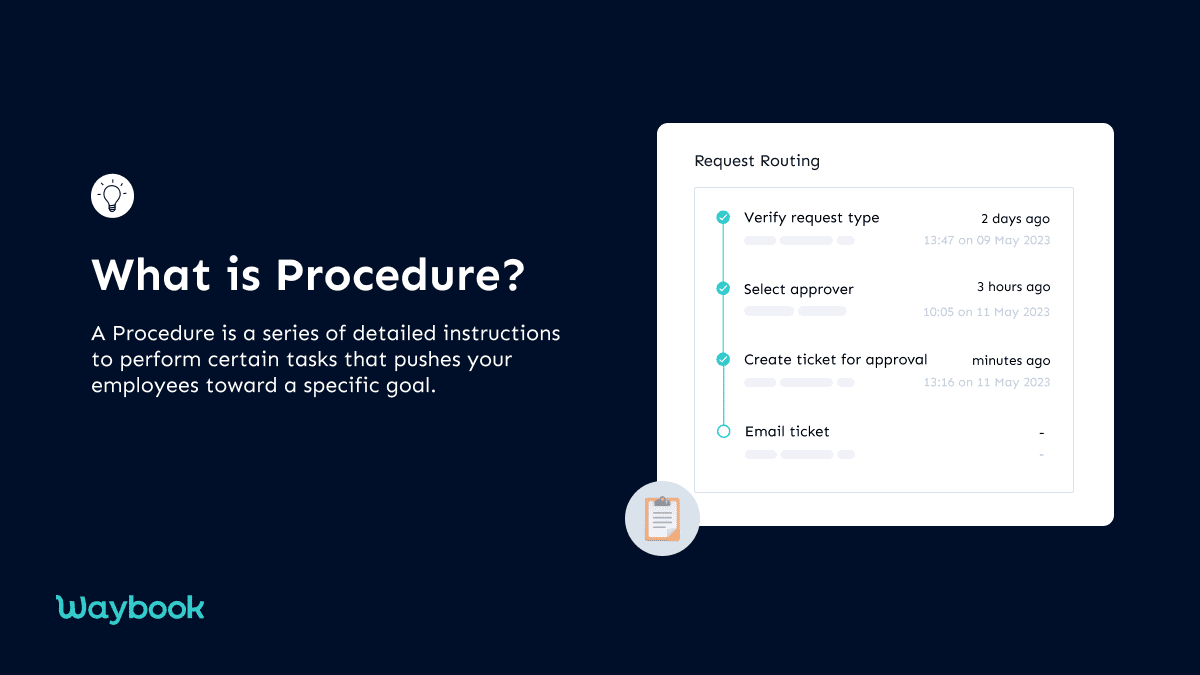
A procedure is the ordered sequence of steps that puts a policy into practice. It sits between the policy (the rule) and the SOP (the detailed step-by-step). Think of a procedure as a higher-level workflow: it defines what needs to happen and in what order, without specifying every click and every script.
For simple, single-person tasks, the line between a procedure and an SOP can blur. For complex, multi-step work involving multiple people, the distinction matters. The procedure defines the flow, and each step in that flow may have its own SOP.
Examples of a Procedure
- New hire approval procedure (receive job offer request, HR reviews, hiring manager approves, offer letter generated, contract signed)
- Loan application procedure (check credit score, verify employment, assess risk, approve or escalate, generate documentation)
- Returned item procedure (receive item, check receipt, verify condition, process refund or exchange, update inventory)
Use a procedure when you need to define the flow across multiple steps or multiple people. Use an SOP when you need to specify exactly how one step gets done. You can create and share both using our Free AI SOP Creator.
What about work instructions?
Work instructions sit one level below procedures — they describe a single task in enough detail that any trained employee can complete it without supervision. If you're writing instructions at that level of detail, see work instruction software and our guide to work instructions vs SOPs.
What is a Process?
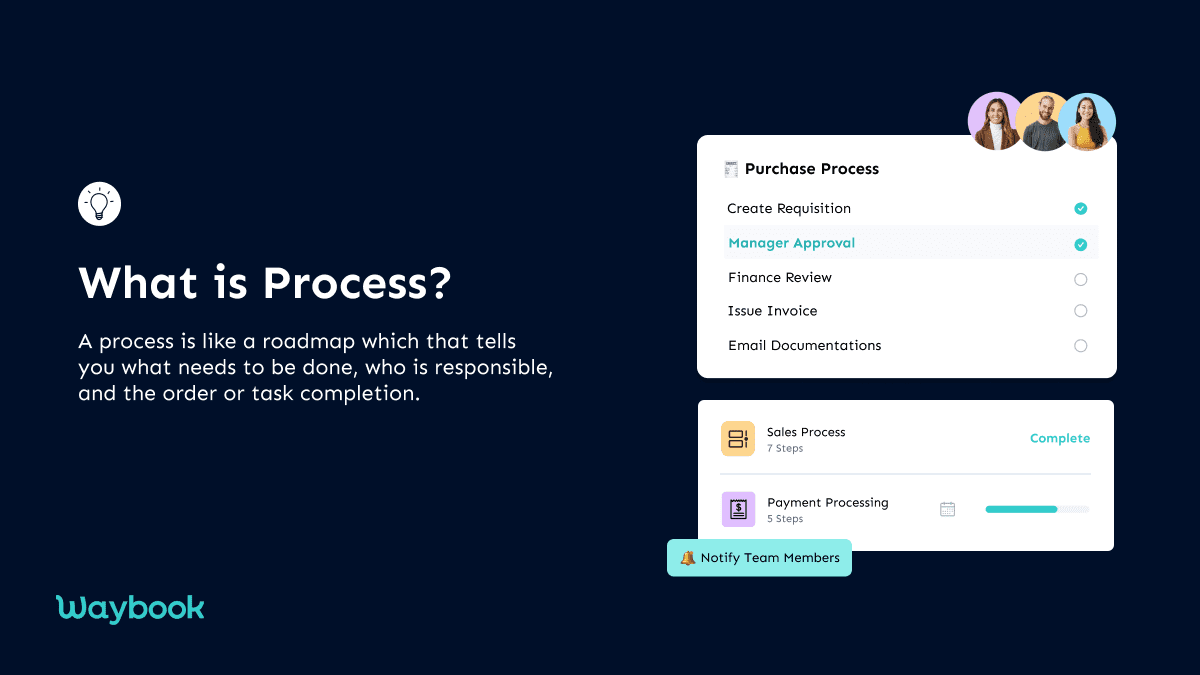
A process is the biggest unit: a chain of linked procedures that spans an entire business function from input to output. Where a procedure handles one workflow, a process shows how multiple workflows connect to achieve a larger outcome.
A process answers: what happens end to end across an entire function, who is involved at each stage, and how the output of one step becomes the input for the next.
Examples of a Process
- Employee onboarding process (includes job offer procedure, background check procedure, IT setup procedure, first-week orientation SOP, 30/60/90 day check-in procedure, all linked)
- Customer acquisition process (marketing, lead qualification, sales, contract, onboarding, account management)
- Order fulfilment process (order received, inventory check, pick and pack, dispatch, tracking, delivery confirmation)
The key distinction from a procedure: a procedure handles one workflow. A process maps the whole function. Most businesses document procedures first and build process maps once the individual procedures are solid.
Policy vs Procedure: the difference most people get wrong
A policy tells you what the rule is. A procedure tells you how to follow it. They operate at completely different levels.
Policy | Procedure | |
|---|---|---|
Answers | What is or is not allowed | How to do it |
Changes when | The rule changes | The workflow improves |
Written by | Management / HR | Ops / team lead |
Length | Short, principle-level | Step-by-step, can be long |
Example | "We respond to all complaints within 24 hours" | Step 1: Log complaint, Step 2: Assign to CS lead, Step 3: ... |
When a team does not distinguish between policy and procedure, they often write one giant document that tries to be both, and ends up serving neither purpose well. Keep them separate. They serve different readers for different reasons.
Running all four in one system — so when a policy changes, the SOP updates, and you can verify the team has read it — is exactly what Waybook is built for. Start your free 7-day trial.
SOP vs Procedure: when each one is the right choice
Use a procedure when:
- Multiple people are involved and you need to map handoffs
- The task is complex enough that a high-level workflow view is useful before drilling into steps
- You are designing or reviewing a process at the systems level
Use an SOP when:
- One person or role owns the execution and needs exact instructions
- Errors are costly and consistency is non-negotiable
- You are training a new hire to perform a specific task
In practice: your procedure says "CS rep processes the refund." Your SOP tells the CS rep exactly how to process it, every click, every script, every edge case.
Real-world example: "Refund a customer" expressed four ways
The clearest way to understand the difference is to take one activity and express it all four ways.
As a Policy:
"We offer full refunds within 30 days of purchase. Requests received after 30 days are reviewed on a case-by-case basis by the CS Manager."
One sentence. Sets the rule. No steps. Everyone in the company knows the boundary.
As a Procedure:
- Receive refund request
- Verify purchase date is within the 30-day window
- If within window: approve and process
- If outside window: escalate to CS Manager for review
- Send confirmation to customer
- Update CRM record
Six steps. Defines the flow and the decision point. Does not specify how to do any individual step.
As an SOP:
Step 1: When a refund request arrives via email, copy the order number and open the billing system.
Step 2: Search for the order number. Verify the order date.
Step 3: Compare the order date to today. If 30 days or fewer, proceed to Step 4. If more than 30 days, forward to cs-manager@company.com with subject line "Refund Review Required [Order Number]" and close the ticket.
Step 4: In the billing system, click Refund, then Full Refund, then Confirm. Wait for the confirmation screen.
Step 5: Reply to the customer using the Refund Confirmation email template. Update the CRM ticket status to "Resolved, Refund Issued."
Five detailed steps. Every action defined. A new hire could follow this without asking anyone.
As a Process:
The full "Customer Refund and Recovery" process covers everything from the point a customer reports dissatisfaction through the refund procedure, to a follow-up from the account manager to understand root cause, to the product team logging the feedback, to the CS team reviewing whether the SOP needs updating. Multiple linked procedures. Multiple teams. The process map shows how it all connects and who owns what.
How to document all four in one system
The most common mistake growing businesses make is building separate tools for each document type: policy manual in one folder, SOPs in another, process maps in a third, procedures wherever anyone last saved them.
This creates four knowledge silos with no way to link them. When a policy changes, no one updates the SOP. When an SOP changes, the procedure map is out of date. When someone new joins, they cannot find anything.
The better approach: one system where all four types live, link to each other, and stay current.
Waybook is built for exactly this. Policies, procedures, SOPs, and process documentation all live in one searchable playbook. When something changes, you update it once and the whole team sees it. You can track who has read the updated version, require acknowledgement of policy changes, and verify that new hires have worked through the relevant SOPs before they start.
SOP software for growing teams | free AI SOP creator | best SOP software for growing teams | see how Waybook compares to Trainual
Start your free trial at Waybook
Frequently Asked Questions: SOP vs Policy vs Procedure
What is the difference between an SOP and a policy?
An SOP explains how to do something: step by step, who does what, in what order. A policy explains what is allowed: the rule, the boundary, the standard. Most businesses need both. The policy sets the rule; the SOP tells the team how to follow it. Example: a refund policy says "we refund within 30 days." The refund SOP tells your CS rep exactly how to process it.
Is a procedure the same as an SOP?
Close, but not identical. A procedure is the ordered sequence of steps for a task, higher level than an SOP. An SOP is the detailed, step-by-step instruction set that leaves no ambiguity. Think of a procedure as the outline and the SOP as the full script. For simple, single-person tasks, most teams use the terms interchangeably. The distinction matters most for complex, multi-person workflows.
What is a work instruction? Is it different from an SOP?
A work instruction is essentially the same concept as an SOP. The term is more common in manufacturing and ISO-compliant environments; "SOP" is more common in service businesses and healthcare. Same structure, different terminology. Any SOP software stores work instructions too; the format is identical.
Can SOPs replace policies?
No, they serve different purposes. A policy sets the rule (what your business will and will not do). An SOP tells your team how to follow it. Without the policy, the SOP has no grounding. Without the SOP, the policy has no consistent execution path. Growing businesses often write SOPs first because they are more immediately tactical, then add formal policies as the team scales.
What should I write first: SOPs or policies?
For most growing businesses under 100 people: SOPs first. Your immediate problem is consistency. Two people doing the same task differently is an SOP problem. Formal policies come later, when you have enough people that you need written rules about conduct, expectations, and permissions. Exception: if you are in a regulated industry (healthcare, finance, legal), compliance policies and procedures may be required from day one.
What is the difference between a process and a procedure?
A procedure is the step-by-step for one workflow. A process is the bigger chain: multiple procedures linked together across a business function. Example: "approve a new hire" is a procedure. "Hire a new employee end to end" is a process, including the job posting procedure, interview procedure, offer procedure, and onboarding procedure, all linked. Most teams document procedures first. You build the process map once the procedures are solid.
Now that you know the difference, which one does your business need first?
For most growing teams: start with SOPs for the tasks that cause the most inconsistency. Identify the three workflows where a new hire doing it wrong costs you the most, such as client onboarding, customer escalations, or whatever you spend the most time fixing, and write those SOPs first.
Once SOPs are in place, add policies as the team scales and you need written rules about conduct and expectations. Procedures and process maps follow naturally once you have enough SOPs to connect together.