Seamlessly share specific Subjects with external partners or clients, ensuring everyone stays aligned and informed without needing full access to your entire Waybook.

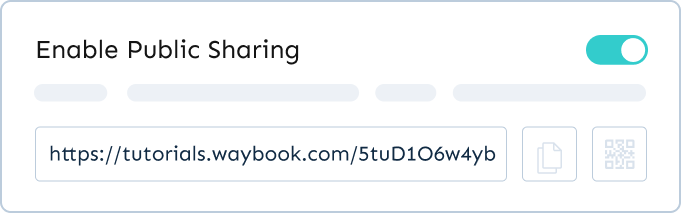
Share entire subjects or collections of related documents with external audiences.
Waybook's external subject sharing feature enables you to share specific subjects with external partners, clients, or stakeholders without granting them full access to your entire Waybook. This ensures that crucial information is communicated clearly and efficiently, fostering better collaboration and alignment while maintaining control over your internal knowledge base.
It's an ideal solution for providing targeted information securely and professionally.
External Subject sharing facilitates efficient communication and collaboration with partners, clients, and stakeholders by providing them with the necessary information without compromising the security and integrity of your entire knowledge base.
Absolutely. Your Waybook Subjects are only accessible via the unique link generated when you enable public sharing so you are in total control of who can access your content. What’s more, they will only be able to see the Subject you have shared and cannot access other parts of your Waybook.
Start a free 7-day trial of Waybook, or book a demo and we’ll walk you through it with your team’s processes in mind.
.webp)





.png)