

.png)

Your processes exist, but they live in shared drives, outdated onboarding docs, and the answers a manager gives to the same question every new hire asks. That's not a knowledge problem. It's an infrastructure problem, and it compounds as you grow.
Waybook is purpose-built for the problem Google Drive and Notion can't solve: making processes structured, searchable, and actually used. Every document is organized by role or function, version-controlled, and assigned to the people who need it. See how it works as a dedicated standard operating procedures platform.
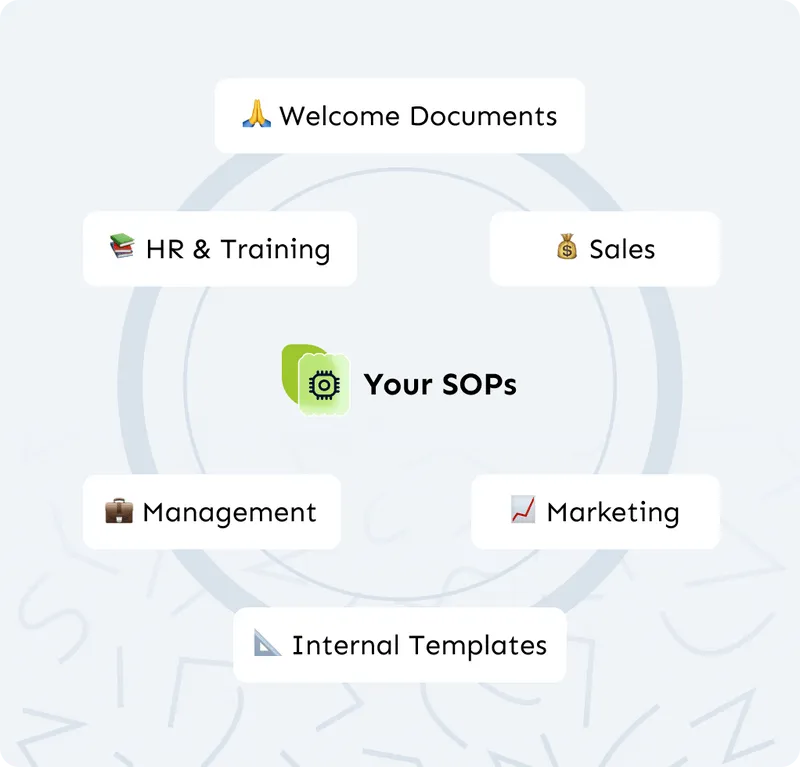
 (1)-3.png)
The blank page is the biggest barrier to building a process library. Describe any process in plain language and Waybook's AI builds a structured, formatted draft instantly for an expert to review and approve. See how to create SOPs and why teams are switching from general SOP software to purpose-built tools.
Every document in Waybook has an assigned owner, a version history, and an update workflow. When a process changes, the owner updates and publishes the new version and every team member sees the current content immediately. Works alongside your internal knowledge base to keep the whole business aligned.
-1.png)
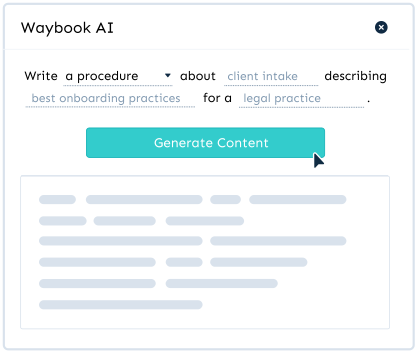
Waybook AI can assist in drafting, editing, and refining content, saving your team valuable time and effort.
Learn more →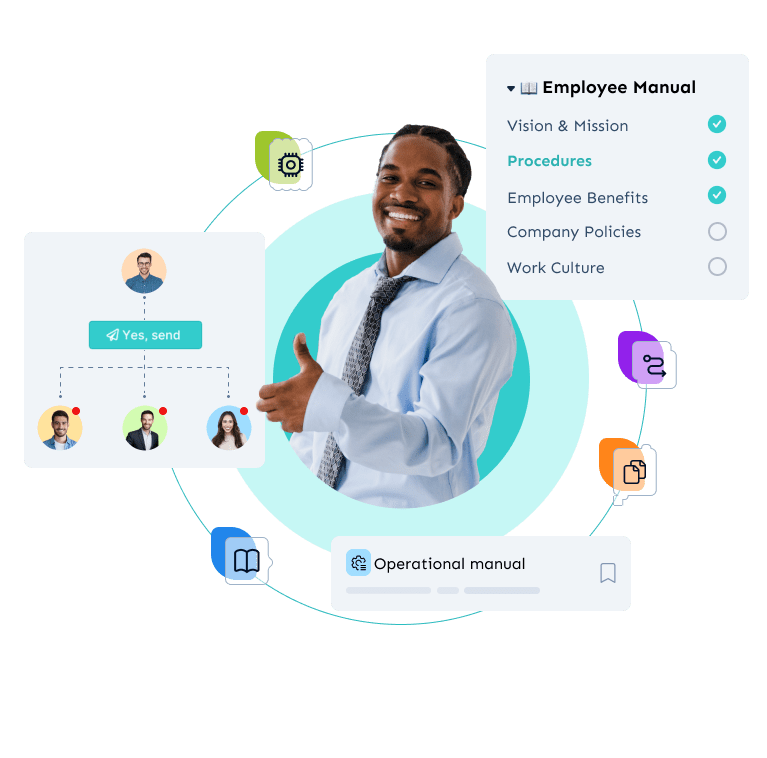
Waybook's Revision History feature ensures that every change made to your documents is tracked and recorded. This provides transparency, allowing you to see who made changes, what was altered, and when updates occurred.
Learn more →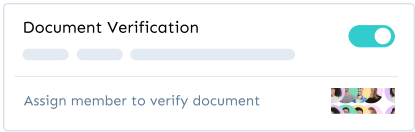
Ensure the information in your Waybook is always accurate and up-to-date by assigning team members to verify documents. Set review dates for periodic checks and rest assured your processes and policies are correct.
Learn more →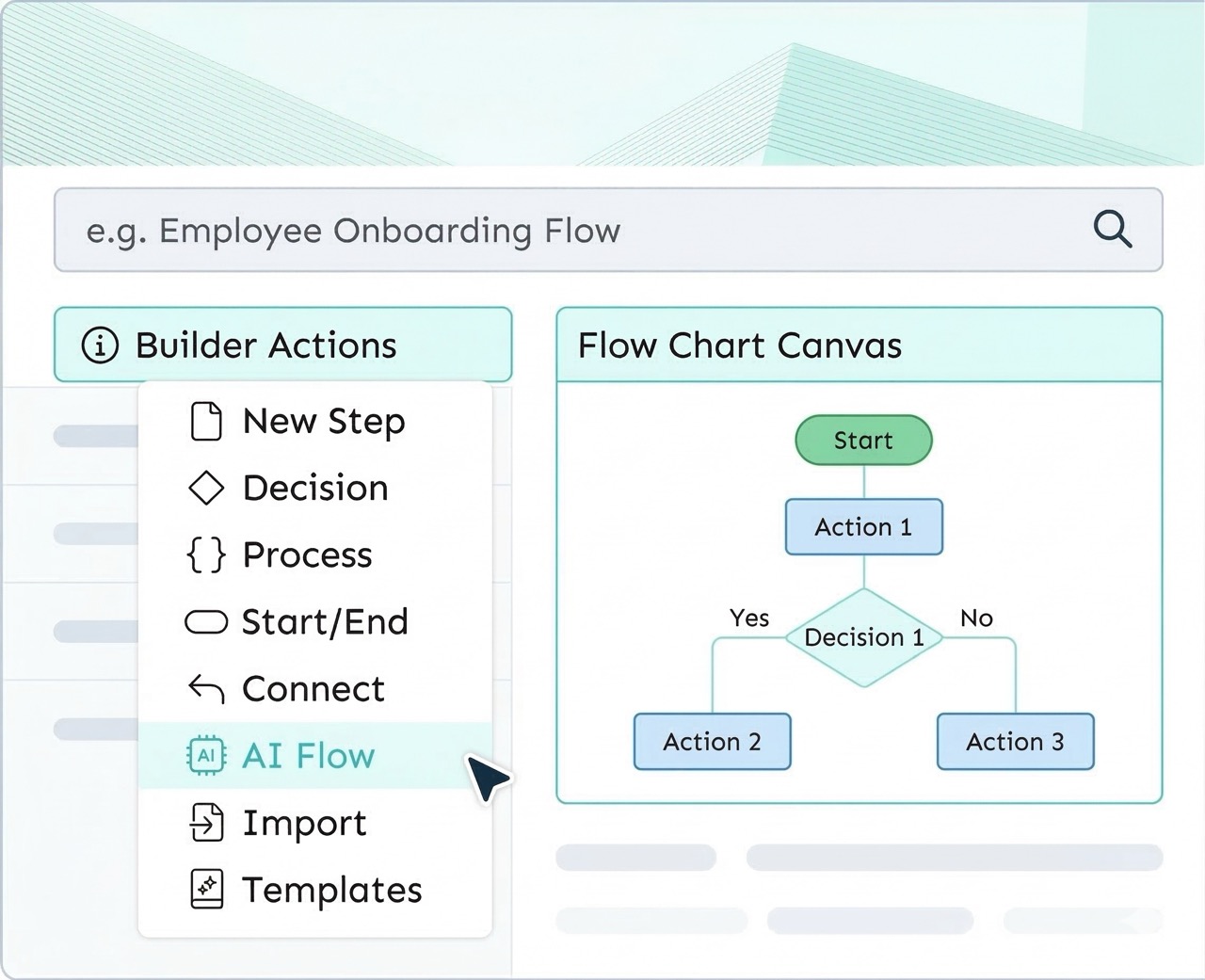
Visually map your business processes with interactive flow charts. Display decision points, workflow paths, and clickable buttons that connect your team to the right resources - all within Waybook.
Learn more → (1)-1.png)
Require read confirmation on any document, see real-time completion status across your team, and pull a report whenever you need it. It's the feature that turns process documentation from a filing exercise into an operational system. Pair it with structured employee onboarding to get new hires productive from day one.
Stop answering the same questions every week. Cut new hire ramp time by giving every starter a structured library from day one. Protect your business when key people leave. Waybook gives growing teams the operational foundation to scale without the chaos.
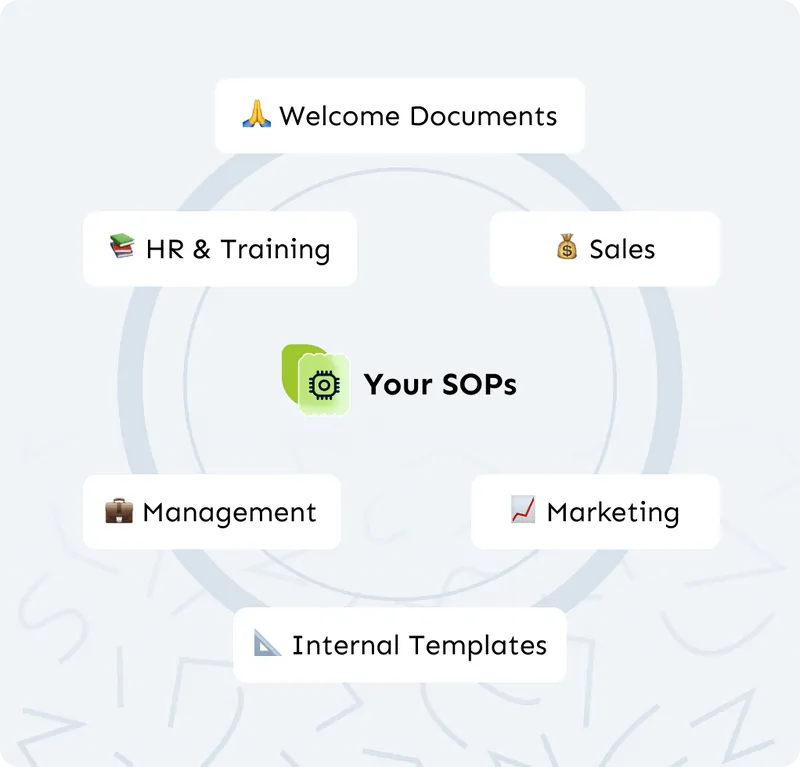
Process documentation software is a dedicated platform for capturing, organizing, and sharing how work gets done inside an organization. Unlike Google Drive or Notion, it is built specifically for creating structured, searchable, assignable procedures that teams actually use as operational references.
Teams don't follow documented processes primarily because of a findability problem. Waybook makes every process searchable in seconds, assigns it to the right people, and requires read confirmation so you know it was received, not just stored.
A standard operating procedure provides step-by-step instructions for a specific recurring task. A process can be broader, describing how work flows across multiple steps or people. Waybook supports both formats.
Run a documentation sprint with your key people. Describe each process in plain language and use Waybook's AI creation tool to generate a structured draft in minutes that an expert reviews and approves.
Every process in Waybook has an assigned owner responsible for keeping it current. When something changes, the owner updates and approves it and every team member sees the change immediately.
Google Drive and Notion store documents but were not designed for operational knowledge management. Waybook is built specifically for structured SOP creation, read confirmation tracking, role-based assignment, and version control.
Yes. Most Waybook customers migrate from Google Drive, Notion, SharePoint, and Word documents. Waybook includes migration support and AI-assisted import to bring existing content into a structured format.
Most teams have a working foundation covering their most critical processes within one to two weeks. The goal is a useful working library quickly, not a perfect comprehensive one eventually.
.webp)










.png)

.png)
