The best insights are the ones you actually see. Scheduled Reports take the reports you've saved and deliver them automatically, on the days you choose, to the people who need them, so oversight happens without anyone remembering to run a report.

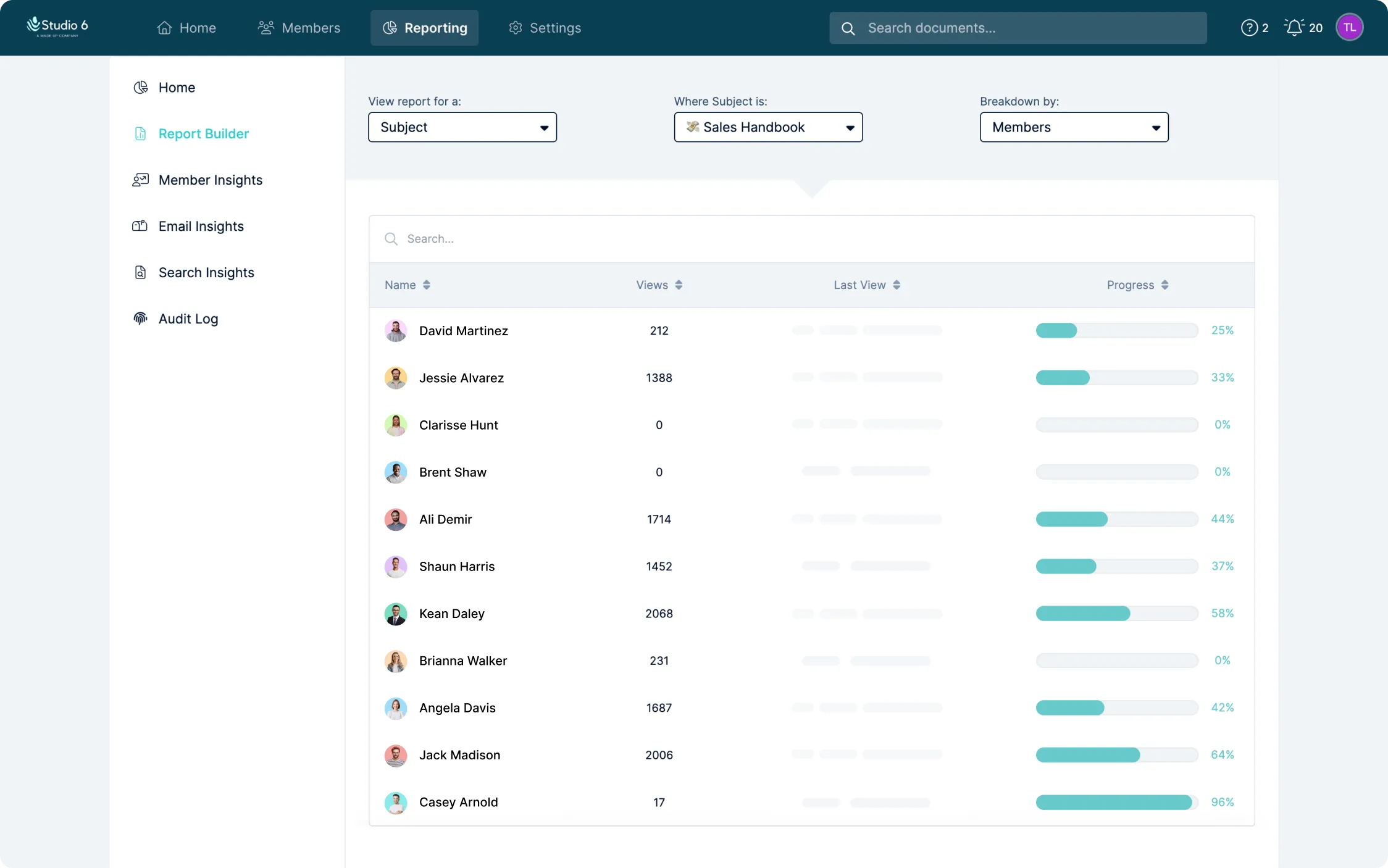
Reports only change behavior if someone looks at them. Scheduled Reports build on the saved reports you already trust and deliver them automatically: a Monday-morning onboarding progress summary for team leads, a monthly compliance completion report for leadership, a weekly document engagement breakdown for content owners. Set it up once and the right data lands in the right inboxes every time.
Creating a schedule takes a minute. Name it, choose the frequency, days, time and time zone, add one or more saved reports, and pick the recipients - whole member groups, individual admins and managers, or a mix. Only admins and managers receive reports, so insights stay with the people responsible for acting on them. Each delivery is a link straight into Waybook, so recipients see live data rather than a stale attachment, and can export it in any supported format if they need to take it further.
You stay in control after the first send. Edit the frequency or recipients, pause a schedule during quiet periods, delete one that has run its course, and check the send history to confirm it's arriving. Refine a saved report and the change flows through to every schedule that includes it. Pair Scheduled Reports with learning paths and tests and you have a training program that reports on itself.

.png)