Your SOPs, playbooks and training materials represent years of hard-won knowledge. Copy Protection stops text being selected and copied in Reader mode, and Screenshot Protection blocks screenshots in the mobile apps, so people can read everything they need without it being easy to lift.

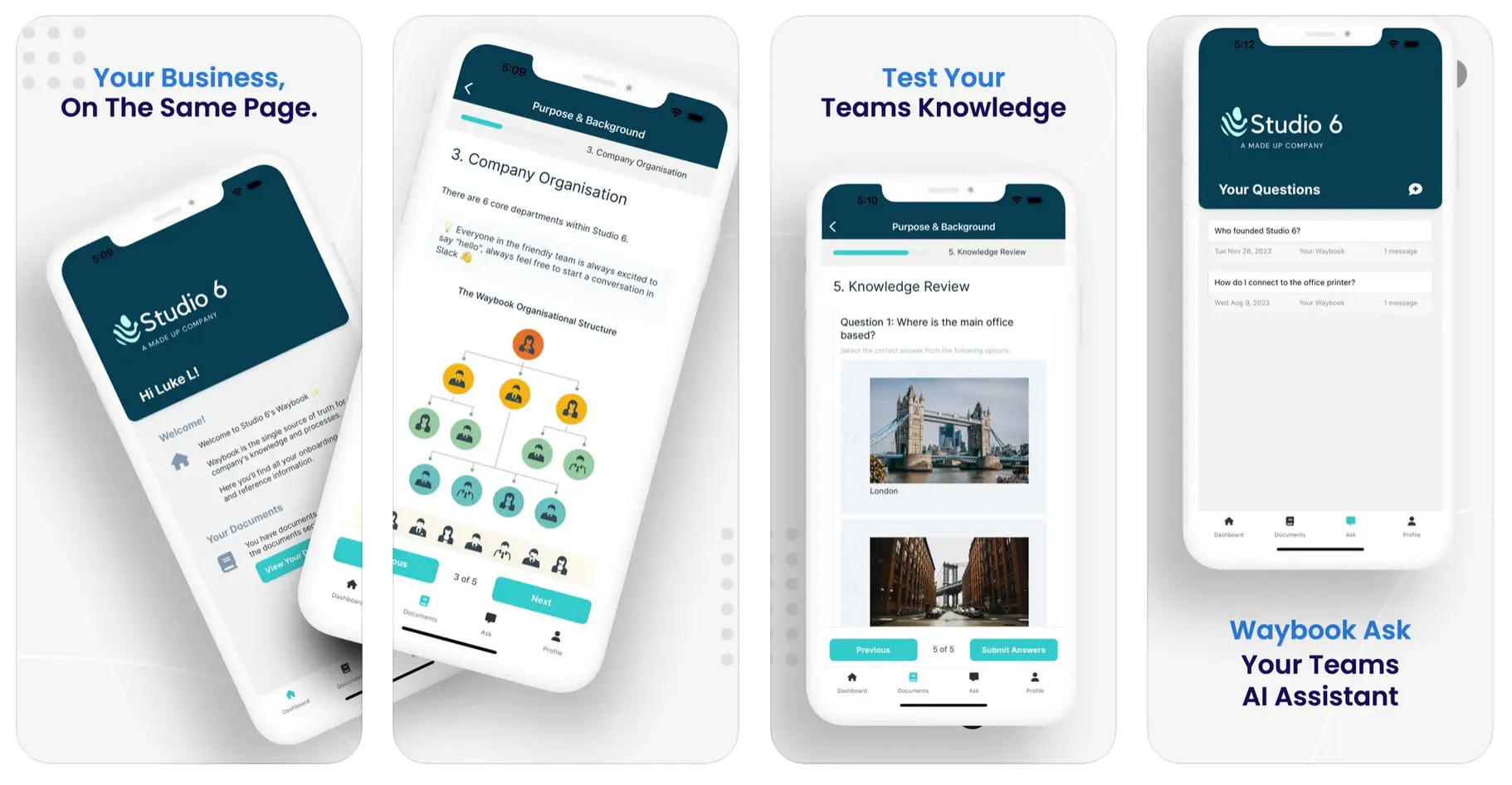
Your internal documentation holds immense value, and not everyone who reads it should be able to walk away with it. Screenshot and copy protection add a layer of control that keeps proprietary processes, playbooks and sensitive internal knowledge where they belong: with your team.
Copy Protection covers the browser. When it's on, text can't be highlighted or copied in Reader mode, while editors continue to work normally in Edit mode. Admins can enable it across the whole account from Settings, or turn it on for individual documents from the document's settings, so you can protect a pricing playbook without locking down the holiday policy. Screenshot Protection covers the Waybook mobile apps, blocking screenshots on every screen for every member once an admin switches it on.
Both settings deter casual copying rather than preventing every possible route - a photo taken with another device will always be possible - but they remove the easy path and make your expectations clear. Together with advanced permissions and the audit log, they give you real control over how your knowledge is used.