Give your team one place to look. Waybook's search finds the right document, step or file in seconds, and Waybook Ask turns your documentation into instant, plain-English answers - so nobody has to interrupt a colleague for something that's already written down.

Knowledge is only useful if people can find it. Waybook's search sits in the top bar of every page and looks across subject, document and step titles as well as the content inside each step, so the closest matches rise to the top even when the wording isn't exact. Search invoice and you'll see everything about invoices; type onbaording and your onboarding process still appears.
Results are organized into three tabs. Documents covers your published knowledge, with a breadcrumb on every result so people can see where a step lives. Source Files reaches into notes, PDFs and uploads that haven't been turned into formal documentation yet. Help Center lets your team get guidance on Waybook itself without leaving the app.
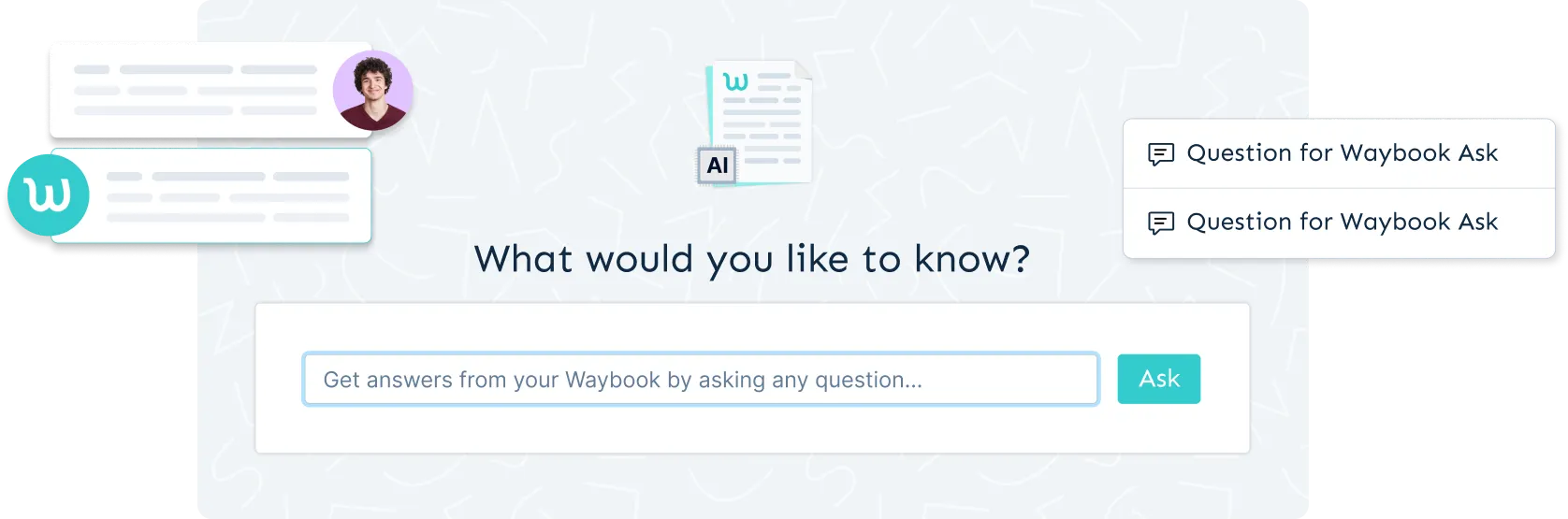
When a query looks like a question, Waybook Ask steps in. Instead of pointing to the refund policy, it can answer how long do customers have to request a refund? in a sentence or two, drawing only on documents the person asking is allowed to see. Team members can ask follow-ups, rate answers, and switch Ask to search the Help Center instead.
Search and Ask work on the mobile app too, and Search Insights in Reports show you what your team is searching for, which searches return nothing, and where your documentation has gaps worth filling.




.png)