Every version of every document, kept. Compare any two versions word by word, restore the one you need, and export the comparison as a dated PDF when a client or auditor asks for proof that a process was reviewed.

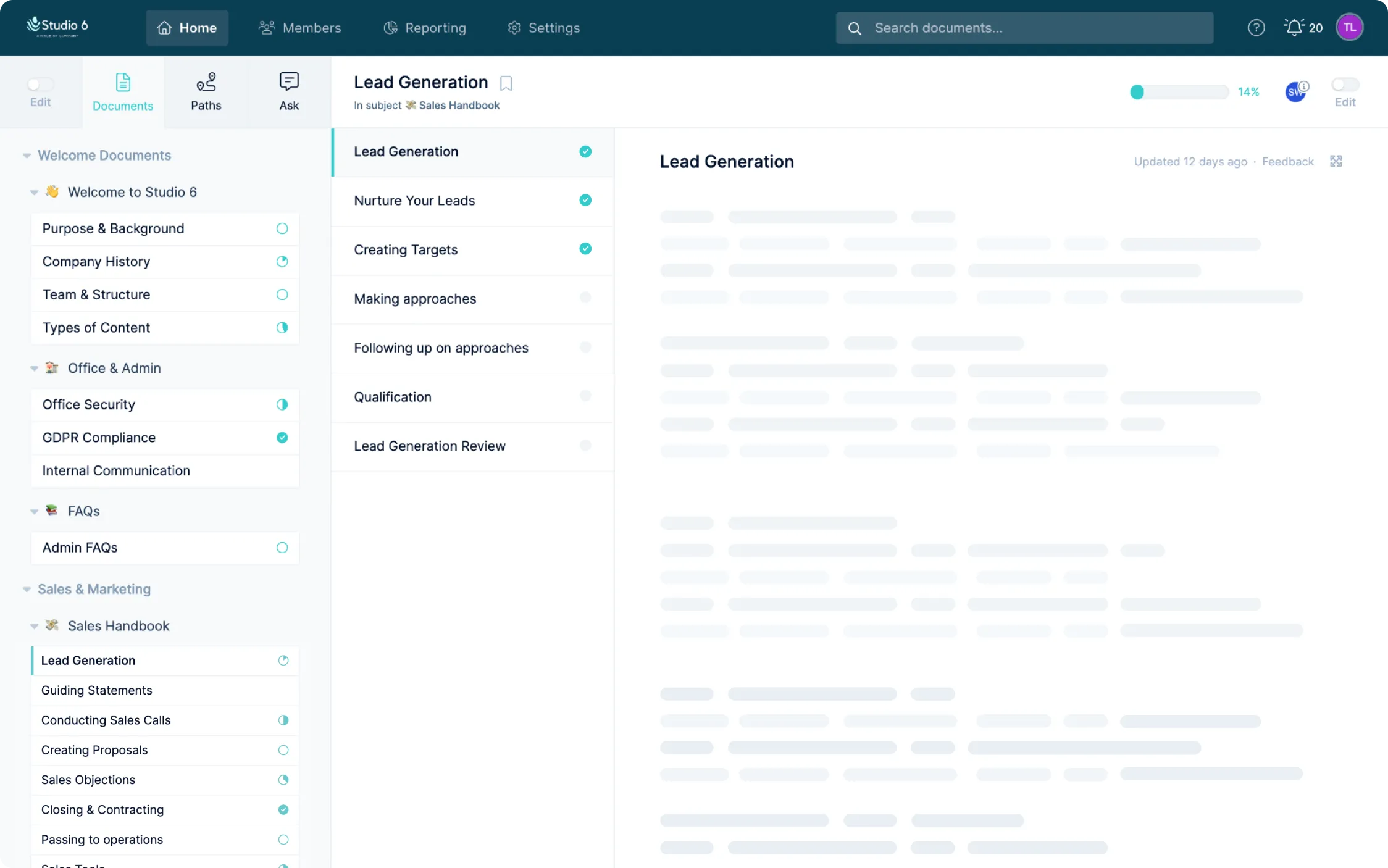
Processes change, and the people relying on them need to trust that what they're reading is current and correct. Where step revisions track the history of a single step, Full Version History works at the level of the whole document. Open a document's settings, choose Version History, and pick any two versions to compare - the current working version against last quarter's, or two historic versions side by side.
Comparisons are tracked down to the word. Additions and removals are highlighted in place, so you can see what moved without rereading the whole document, and you can restore an earlier version whenever an edit didn't land as intended. Need a record? Export the comparison as a PDF and you have a dated document showing exactly what changed and when, ready for a client, a regulator or an internal audit.
Version History also feeds the rest of your compliance toolkit. If a document has an approval process, reviewers see the same comparison before they sign off, and the audit log records who published each version. Together they give you a complete, defensible history of your documentation.






.png)