

Trainual is training-first; Waybook is the operations system your team runs every day. Pick Trainual if you are an early-stage team that wants a ready-made training handbook and does not yet need SOPs to survive past 20 people. Pick Waybook if you need structured SOPs your whole team can find, onboarding that works the same for your fifth hire and your fiftieth, and AI that answers questions from your own documented processes. The full comparison is below.
| Feature | Waybook | Trainual |
|---|---|---|
| Best for | Growing ops-led teams (20-200 staff) that need SOPs, onboarding, and real training accountability in one place | Early-stage teams that want a ready-made training handbook to get started quickly |
| Starting price | $99/mo for 20 members (+$5/member), billed annually | Not published; $249/mo for the first 10 seats, captured in-app July 2026 |
| Setup fee | None | $1,000 one-time, per Trainual's sales process |
| Pricing transparency | Published online | Not published; demo required (as of July 2026) |
| Free trial | 7-day, self-serve |  |
| SOP editor and structure | | |
| Visual process capture | ✓ Waybook Shots |  |
| AI document drafting | | |
| AI Q&A from your own docs | ✓ Waybook Ask (permission-aware) | |
| Readiness tracking, pass/fail, mandatory checks | | |
| Slack and MS Teams integration | | Limited |
| Comments and collaboration | | |
| Role-based permissions | | |
| Migration support | | |
| Mobile app | | |
| Rating (Capterra) | 4.9 / 5 | 4.8 / 5 |
Trainual content becomes one long stream as it grows, and reviewers flag it consistently: when your team cannot find a process fast, they skip it or do it wrong. Waybook keeps the right SOP a search or two clicks away, whether your team is 20 people or 200.
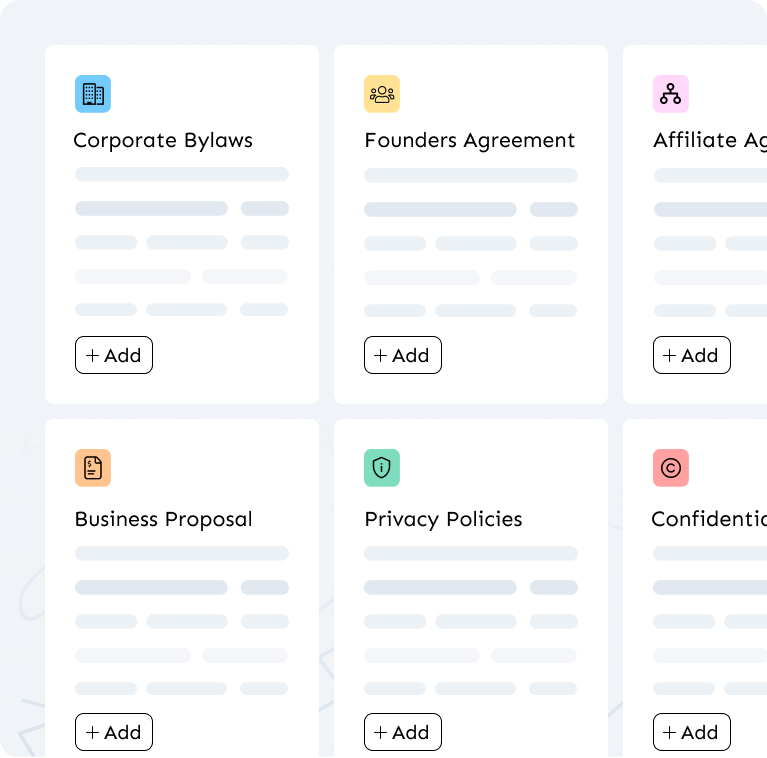
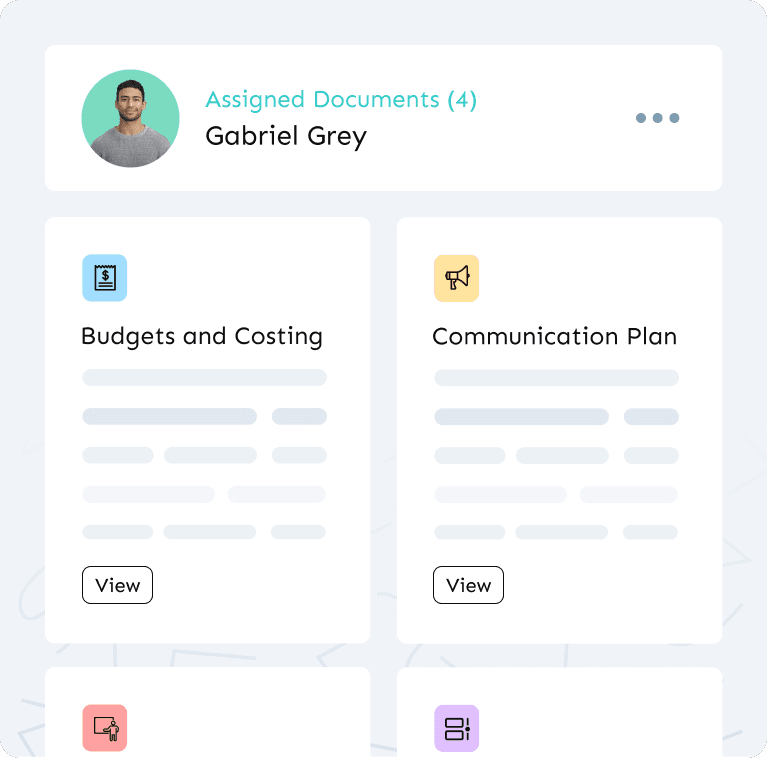
Multi-location operators on Trainual often run a separate account per brand or site: separate truth, separate updates, documentation that drifts. Waybook holds your whole operation in one library with role-based permissions. One update, everywhere.
Trainual does not publish its pricing: quotes are demo-gated. Pricing captured directly in Trainual's app in July 2026 shows the figures below, plus a one-time implementation fee of $1,000 cited in Trainual's sales process, and a separate Operations add-on at $9/user/month with a 10-seat minimum. Waybook's pricing is public.
| Plan | Price | Included seats |
|---|---|---|
| Trainual Core | $249/mo (+$3/seat), captured in-app | 10 |
| Trainual Pro | $319/mo (+$4/seat), captured in-app | 10 |
| Trainual Premium | $399/mo (+$5/seat), captured in-app | 10 |
| Trainual Enterprise | Custom quote | 100+ |
| Waybook Core | $99/mo flat (20 included, then $5 per additional member) | 20 |
| Waybook Pro | $198/mo flat (20 included, then $10 per additional member) | 20 |
| Waybook Enterprise | Custom | N/A |
If Trainual quotes you a different number, the comparison still holds: Waybook's price is public, includes 20 seats rather than 10, and has no setup fee.
Trainual tells you someone completed a document. That is not the same as knowing they can perform the process. Waybook gives managers readiness tracking: pass/fail steps, mandatory checks, and progress dashboards by role. Waybook Ask, included on every plan, answers plain-language questions from your own published processes, with a link to the source. Explore Waybook's AI features.
.png)
| Trainual is a strong fit for | Waybook is built for teams that need |
|---|---|
| Teams under 20 people | Structure that survives growth past 20 people |
| Relatively simple processes | Real training accountability as processes multiply |
| A large ready-made template library to start quickly | Governance and readiness tracking once basic onboarding isn't enough |
Most teams find Trainual's limits as headcount grows, processes multiply, and the need for real accountability becomes harder to ignore.
Also compare: Waybook vs Scribe, Waybook vs Process Street, Waybook vs SweetProcess.
You do not have to start from scratch. Waybook's team can map and import your existing Trainual content, and most teams complete the move in about a week. Start your 7-day free trial and book a call during setup; we will plan the migration together.


Trainual does not publish its pricing publicly. Billed annually, Trainual Core starts at $249 per month for 10 seats, then $3 per additional seat; Pro is $319 per month, plus $4 per seat; Premium is $399 per month, plus $5 per seat; Enterprise is by request. Prices verified August 2026. Waybook Core is $99 per month billed annually for 20 seats, then $5 per additional seat, published on our pricing page.
At 25 seats on Core, Trainual costs $294 per month against Waybook's $124. At 50 seats, it is $369 versus $249. Waybook Core stays the lower price up to roughly 110 seats; above that, Trainual Core's lower per-seat rate makes it cheaper on the base plan, at $819 versus Waybook's $999 at 200 seats. Waybook Core also includes unlimited documents, AI Content Writer and AI Actions, and progress tracking on every seat.
No. Trainual has quote-only pricing: you have to book a demo to get a number. Pricing we captured directly in Trainual's app in July 2026 shows plans from $249 per month plus a $1,000 implementation fee, but there is no public price list to check, and those figures could change. Waybook publishes full pricing on its website: $99 per month for 20 members, billed annually, no setup fee, no demo required.
For most teams, yes, by a significant margin. Waybook is $99 per month for 20 members, billed annually, with no setup fee, published openly. Trainual does not publish pricing; pricing we captured directly in Trainual's app in July 2026 shows Core at $249 per month for the first 10 seats plus a $1,000 implementation fee. Waybook also includes readiness tracking, Slack and MS Teams integration, and migration support, at a price you can see before you speak to anyone.
Yes. Waybook's team can map and import your existing Trainual content. Migration is a hands-on paid service, so the best path is to book a call during setup and plan the move together. For most small to mid-sized teams it is completed in about a week.
Yes. Waybook offers a 7-day free trial that you can start yourself, without booking a demo. Trainual does not offer a self-serve trial, you have to request a demo to get a price.
Waybook's entry plan includes 20 members at $99/month, billed annually, so smaller teams are not paying for a 10-seat minimum plus a setup fee. Trainual does not publish pricing; pricing we captured directly in Trainual's app in July 2026 shows its entry plan at $249/month for the first 10 seats plus a $1,000 implementation fee. If your team is under 20 people, Waybook usually costs less and gives you more seats to grow into.
Yes, and Waybook's AI features are included on every plan: AI Content Writer and AI Actions for drafting and editing documents, AI test generation, and Waybook Ask, the AI assistant that answers plain-language questions from your own published documents, with sources linked and permissions respected. Waybook MCP (Pro plan) also connects your knowledge base to AI tools like Claude, ChatGPT and Microsoft 365 Copilot.
Yes. Waybook has a mobile app, so field and distributed teams can read SOPs, complete onboarding, and confirm training from their phones. It also works in any mobile browser.
.webp)
